

Six plugins, a plugin host, two browser tools
Resolume plugins & tools
Effects that run inside it, and tools that work on what it drives.
Resolume Arena and Avenue take third-party effects through FFGL, their own published plugin SDK — and separately, they describe a show's physical output, every screen and slice and projector, in a file anyone can read. Those are two different openings, and there is something here on both sides of them.
Six plugins that load into the host, one application that writes more of them, and two browser tools that never go near it and work on its output map instead. All of it is free to use and open source, and every plugin has a demo you can try in a tab without installing anything.
The plugin host
Resolume OFX Bridge
Generator app and CLI · macOS
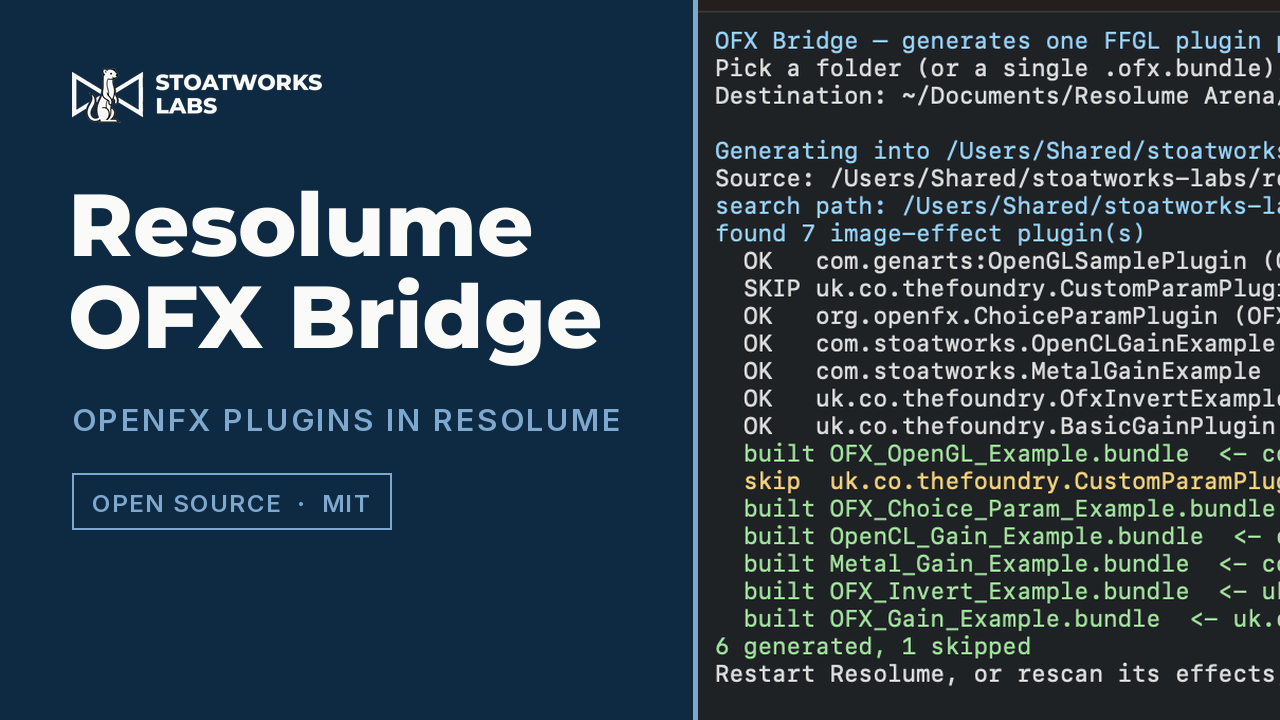
Runs OpenFX plugins — the format DaVinci Resolve uses — inside Resolume. Point it at your OFX folder, choose where the results go, press Start: it writes one FFGL plugin per OFX plugin, each carrying that plugin's real parameters into Resolume's own UI. No compiler needed.
- One bundle per plugin, because the obvious design can't be built: FFGL fixes a parameter's type, range and default when the plugin loads, so a single "OFX Host" effect with a dropdown of your installed plugins is not expressible
- Parameters keep their real names, units, ranges, group headings and choice order instead of becoming a row of anonymous sliders
- GPU rendering where the plugin offers it — the Metal path is 5.4× the CPU path at 1080p, and is what makes GPU-only plugins work at all
- Quarantine cleared as each plugin is written, because Resolume skips a quarantined plugin silently rather than reporting it
The signal path
Old Cathode
FFGL effect · Arena & Avenue 7.3.1+
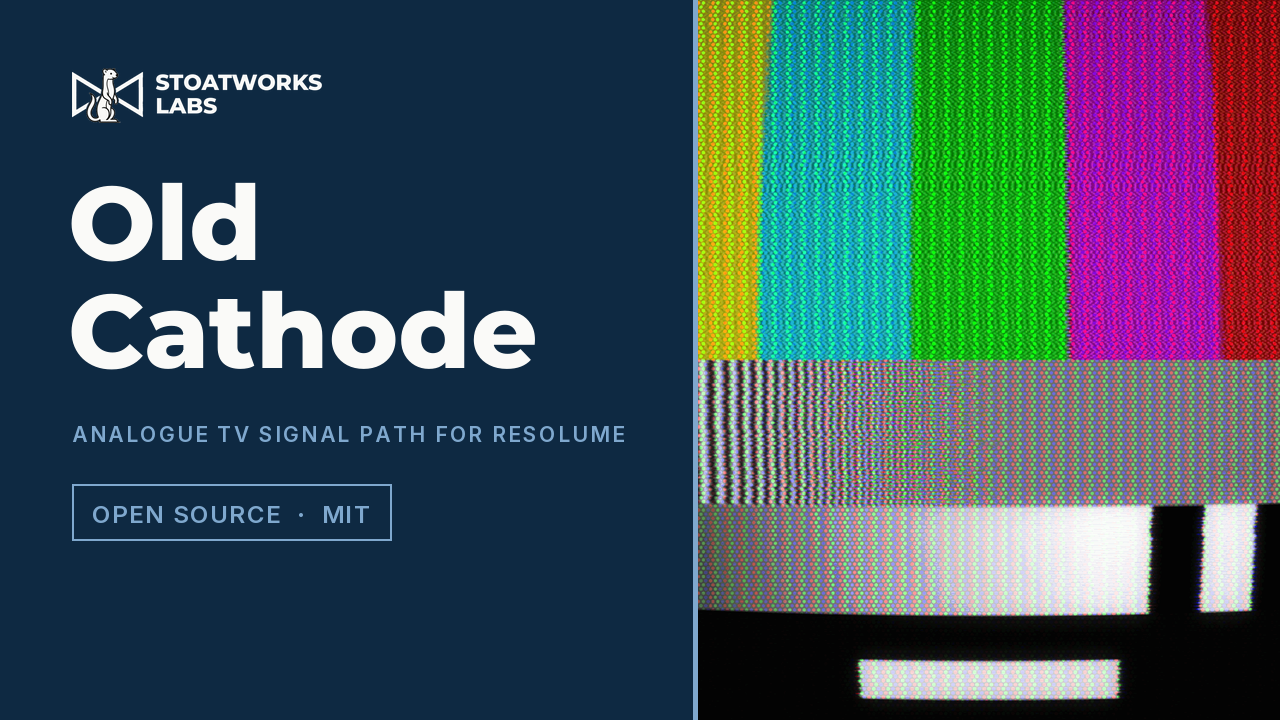
An analogue television signal path rather than the look of one. It encodes the picture onto a colour subcarrier the way a broadcast encoder would have, damages the composite waveform as a single signal, and decodes it again with no more information than a real receiver had — then paints the result onto a phosphor screen behind curved glass.
- Dot crawl, cross-colour and coloured noise arrive as consequences of that path, not as things drawn on top of the picture
- NTSC or PAL, from broadcast or three grades of VHS, each with its own bandwidths and colour-under delay
- Four dot masks — delta shadow mask, aperture grille with its damper wires, slot mask and hard RGB stripe — living on the glass, so they foreshorten with the tube
- The controls interact the way the hardware did: losing signal costs the colour before it costs the picture
The lens
Porthole
FFGL effect · Arena & Avenue 7.3.1+
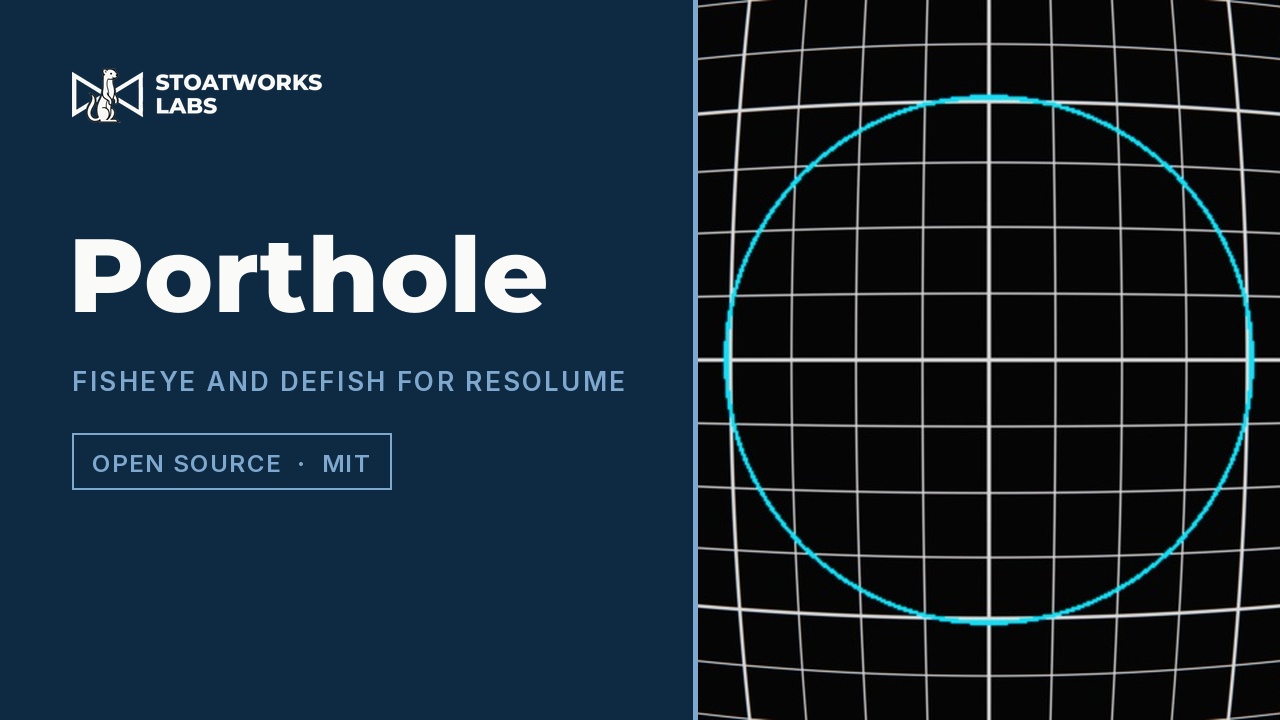
A variable fisheye and defish warp that re-photographs the picture through a different lens instead of bending it until it looks about right. The Projection control is which lens rather than how much: one continuous family passing exactly through rectilinear, stereographic, equidistant, equisolid and orthographic.
- Rectilinear does nothing at all, at any field of view — a flat picture re-photographed through a flat lens is the same picture, and the maths says so without being told
- Defish exactly undoes fish, because it is the same formula with source and destination swapped rather than a similar-looking inverse curve
- The frame always stays full, so strength changes the character of the warp instead of shrinking the picture into a black field
- Lateral chromatic aberration modelled separately from distortion, since a lens can have one without the other
The character renderer
Asciify
FFGL effect · Arena & Avenue 7.3.1+
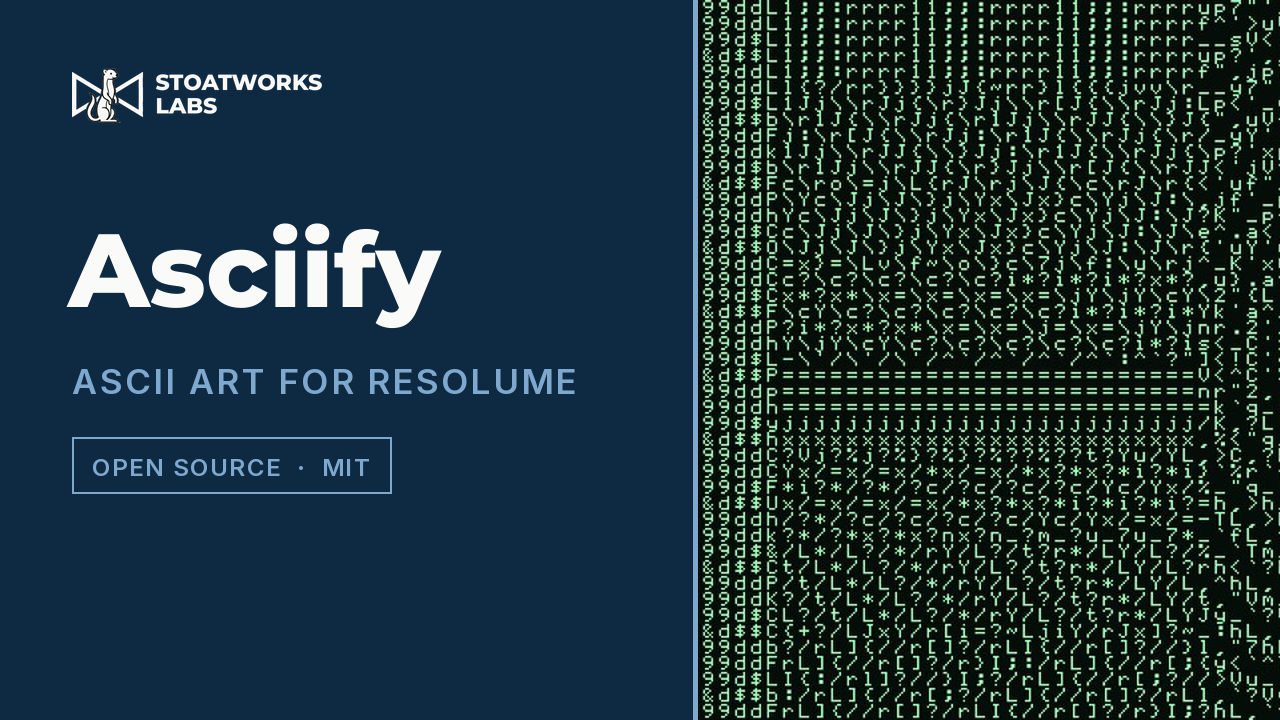
A character renderer rather than a brightness ramp. A cell is a small picture, and the glyph that stands in for it is the one whose ink is distributed most like it — how much ink there is and where it sits, measured on the same grid for the cell and for every character in the set.
- Tone is matched absolutely and shape only as a direction, because a glyph's ink is hard-edged and a cell's is soft — comparing their lengths would reject every directional glyph and collapse the effect back into a ramp
- Structure at zero is exactly the classic ASCII ramp, with no separate code path, and flat areas of the picture ignore the control on their own because a cell with no direction has nothing to be wrong about
- Every character set uses its whole range: tone maps into the measured minimum and maximum ink of whatever is selected, which is the only reason the box-drawing set responds to Structure at all
- The ramp is measured off the font rather than written down, so the traditional set comes out in this font's own order — with the hyphen outweighing the colon
The measurement
Scopes
FFGL effect · Arena & Avenue 7.3.1+
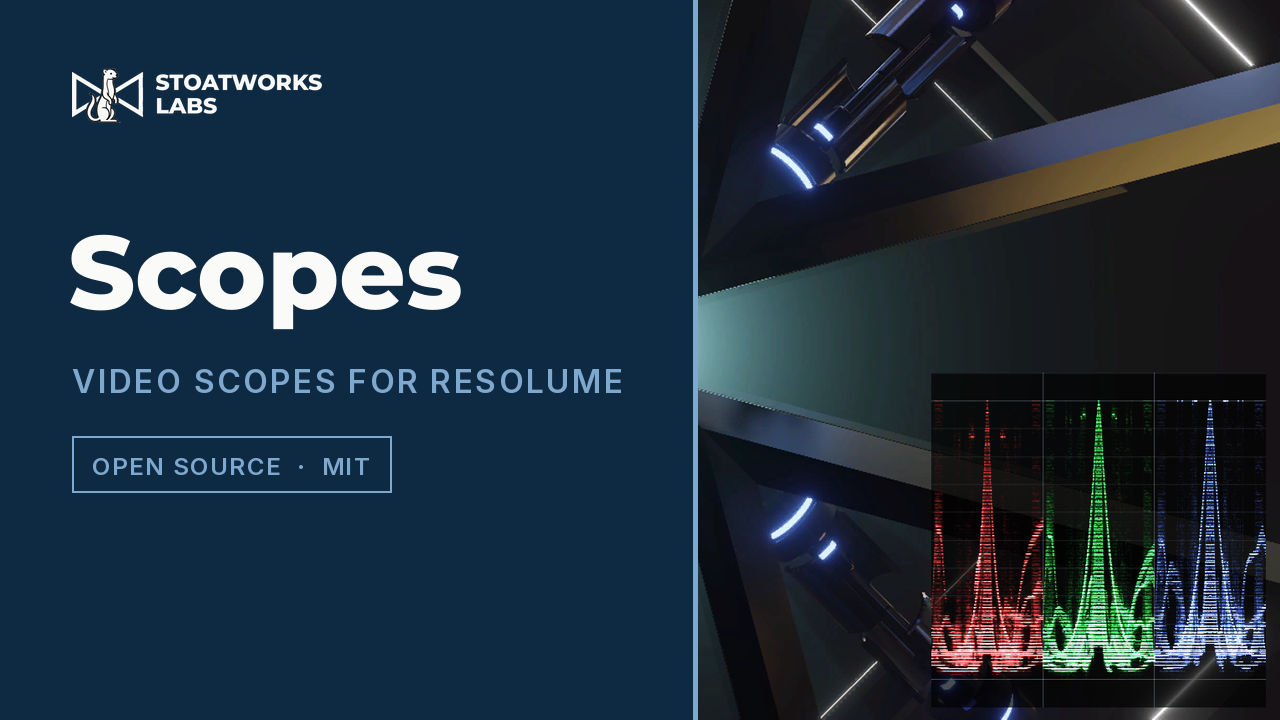
Waveform, vectorscope, histogram and picture assist in one effect, either replacing the picture on a monitor layer or sitting over it in a corner. It measures what is arriving at that point in the layer's chain, which is a different question from what the clip file contains — and the plugin is careful to say so.
- Matrix, range and unpremultiply are explicit settings rather than heuristics, because none of the three is recoverable from the pixels once the engine has the texture — and each one guessed wrong is plausibly wrong rather than obviously wrong
- The vectorscope's target boxes are computed from the matrix the shader plots with, so choosing a matrix moves the boxes and the trace together instead of quietly making a mismatched clip look correct
- Histogram bins accumulate in 32-bit float, because in half float the tallest bins stop counting first — which are exactly the clipped whites and crushed blacks the histogram was opened to find
- Picture assist is the picture itself recoloured — false colour, zebras and focus peaking — rather than a fifth panel to read
The keyer
Resolume Luma Keyer
FFGL effect · Arena & Avenue 7.3.1+
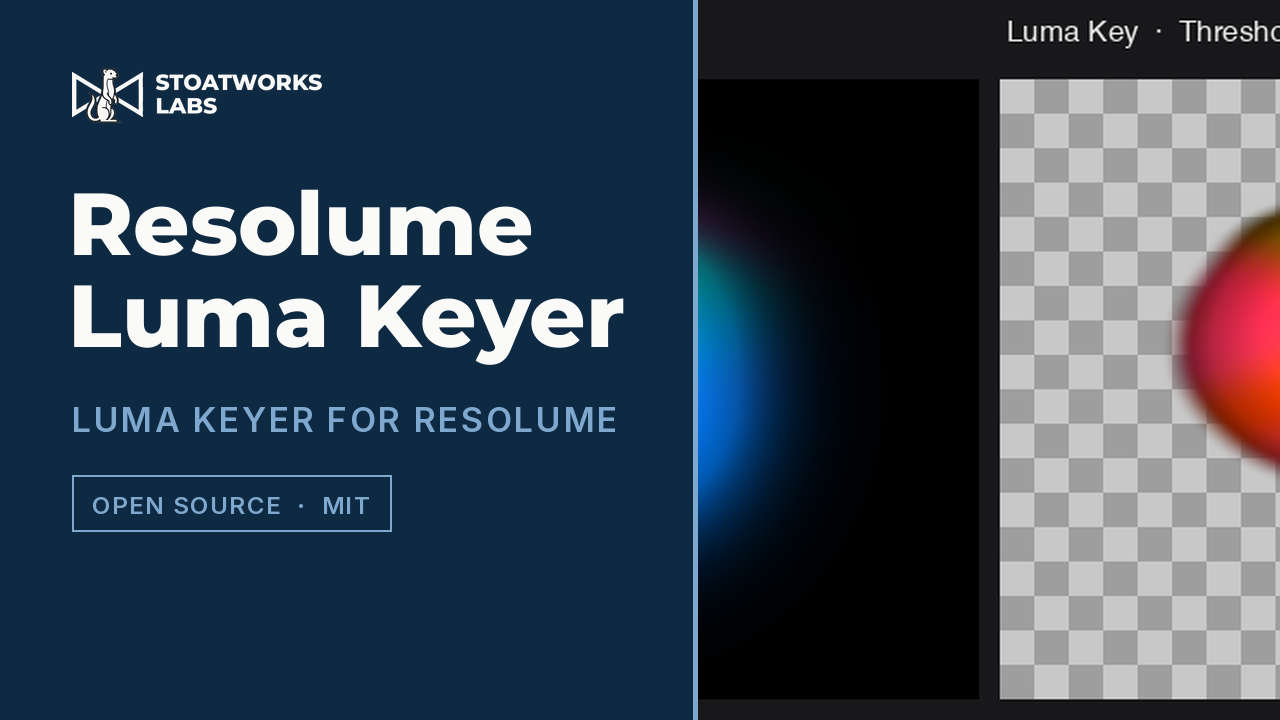
A luminance keyer. It measures the perceptual Rec. 709 luminance of each pixel and drives that pixel's alpha from it, so dark — or bright — areas of a clip go transparent and let lower layers show through, with no dedicated key colour to pick.
- Threshold and Softness, from a hard cut to a gradual falloff across the key edge
- Invert, to take out the bright pixels instead of the dark ones
- Straight colour internally, premultiplied and clamped to LDR on the way out, matching Resolume's own pipeline
- The quick answer to a black background, add-blend-style content, or a shadow or highlight matte
The generator
Downpour
FFGL source and effect · Arena & Avenue 7.3.1+
Digital rain: columns of characters falling at their own speeds, each with a bright leading glyph and a trail fading out behind it. Ships as two plugins — a source that draws over its own background, and an effect that draws the same rain over the clip it sits on.
- Junk characters, generated code, four public domain books, your own text or any file you point it at — a loaded document plays out in order rather than being sampled from
- Any installed font, rasterised into the glyph atlas, with a per-character fallback to the plugin's own drawn face so a typeface with no katakana still renders the katakana
- Every cell is a closed-form function of its column, its row and the clock — no simulation state, so the rain cannot slow down when the host's frame rate does
- Separate colours and opacities for the text, the leading glyph and the background, so it composites over footage without a second layer

Two browser tools for the other side of it
Neither of these is a plugin. They work on the file Resolume uses to describe a physical output — one writes it, one reads it — so they run in a tab and never go near the host.
Getting a plugin into Resolume
An FFGL plugin is one file rather than an installer. Drop the macOS bundle or the Windows DLL into Resolume's Extra Effects folder — inside Documents, under Resolume Arena or Resolume Avenue depending on your edition — restart, and it appears alongside the built-in effects. Arena or Avenue 7.3.1 or newer.
The builds are unsigned, so macOS and Windows each warn once before they will load one; every repository's release notes carry the one-time fix. Porthole is the exception: it is built and measured but not yet tagged, so for now it is a compile rather than a download. The OFX Bridge is the exception in the other direction — it isn't an effect but an application that writes them, and it currently ships for macOS only.
What has been run in the host
Three of the plugins have been run inside Resolume itself, on real content — not just through the offline harness. Old Cathode renders in Arena 7.27.0 with all six of its shader stages compiling in the host; Porthole, the Luma Keyer and bundles generated by the OFX Bridge have all been loaded and driven there too. Asciify, Scopes and Downpour have not — they are built, measured and released, but nobody has yet loaded them into the host, so how their parameters present in Arena's own inspector is untested and Scopes' assumption that its input arrives premultiplied is unconfirmed.
The measurement is still the reason to trust the maths, and it is a different kind of evidence rather than a weaker one. Each plugin has an offline harness that drives the real plugin class through a headless GL context, which is where every picture on this page comes from — none of them is a screen capture. Porthole's GLSL is checked against an independent C++ implementation of the same lens maths across 120 parameter combinations; the OFX Bridge asserts its output pixels on the CPU, Metal and OpenCL paths.
What is still open is narrower than it was. Porthole is not tagged for release, its Windows build has never been compiled and its performance has never been measured. The OFX Bridge ships a macOS build only, with its Windows, Linux and CUDA paths written but never compiled, and licensed commercial OFX plugins will mostly still refuse to load.
The browser tools have the same shape of gap. Blend Calc's Resolume export was derived from files a real Arena wrote, but has never been round-tripped back in and read by Arena as a check — and soft-edge parameters are deliberately left out of it, because no reference file had blending enabled and a guessed parameter name is worse than an absent one. Set the blend widths on the slice edges yourself; the tool tells you what they are. Test Card infers an output's raster from slice bounds when the file doesn't record one, which can come out too small, and badges those rather than hiding them.
So take all of it the same way: check it in your own rig before a show depends on it.
Not affiliated with Resolume
The name is theirs, and none of this is endorsed by or connected to them. FFGL is their own published plugin SDK and the effects here are built on it — but the file formats the browser tools read and write are not published, and were worked out from real files instead, which is why the caveats above are worth reading rather than skipping.
Everything else
There's more where this came from
This is one corner of it. The full index covers audio, video, RF, content management, show control and the networking underneath.