

Two apps, one system
Presentation Commander
Master control for a presentation room.
A real-time NDI video matrix router, a layered scene compositor and a presenter-notes hub, paired with a bespoke presentation engine that runs on each speaker's laptop and sends Program and Next Slide back over the network as separate NDI streams.
It exists because the usual answer to this problem is a scan converter, a long HDMI run and somebody in the wings shouting. The two halves are separate applications on purpose: they run on different machines, in different rooms, doing different jobs.
The server
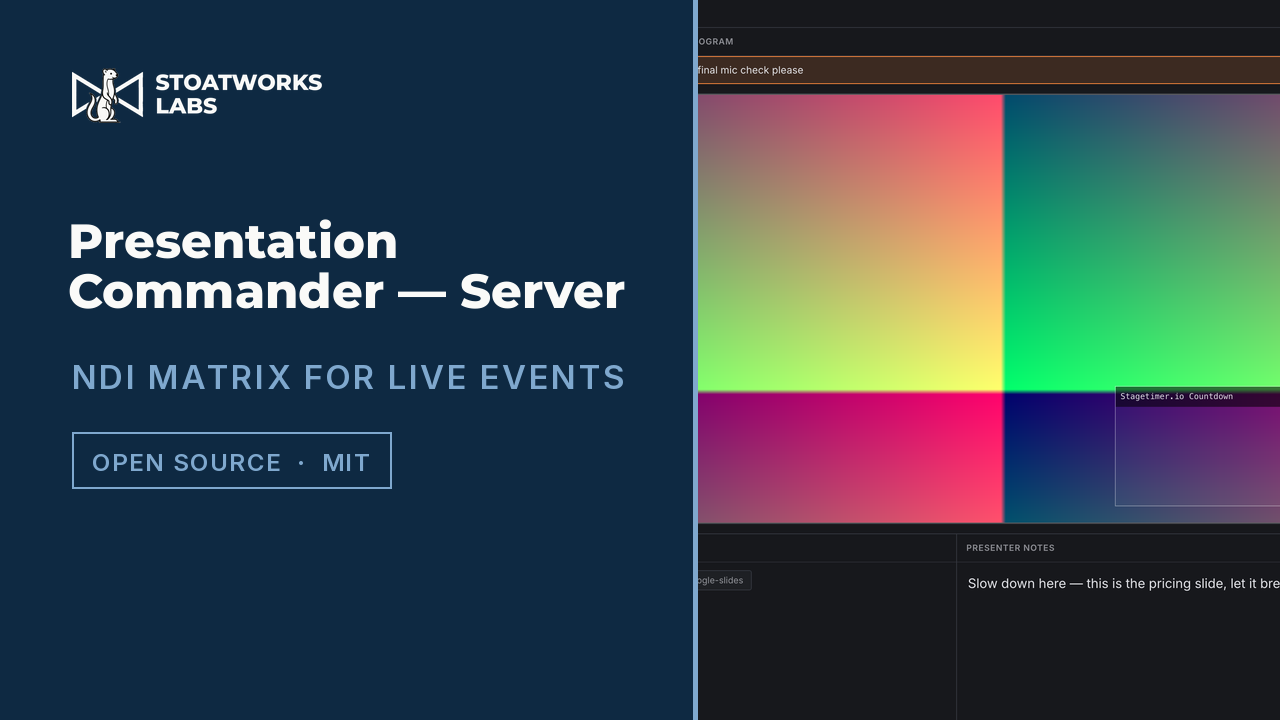
Presentation Commander — Server
Runs at front of house
Discovers real NDI senders on the network, composites them into layered scenes with live video previews, and routes any scene or source to any output. Presenter notes and slide position from every connected client land in one Control Deck.
- Source pool from live mDNS NDI discovery, not a typed-in list
- Layered scene compositor: drag to reposition, drag a corner to resize
- Matrix inspector: any output to any source or composited scene
- Button-grid control surface for scene recall, blackout, next/previous, notes to stage
The client
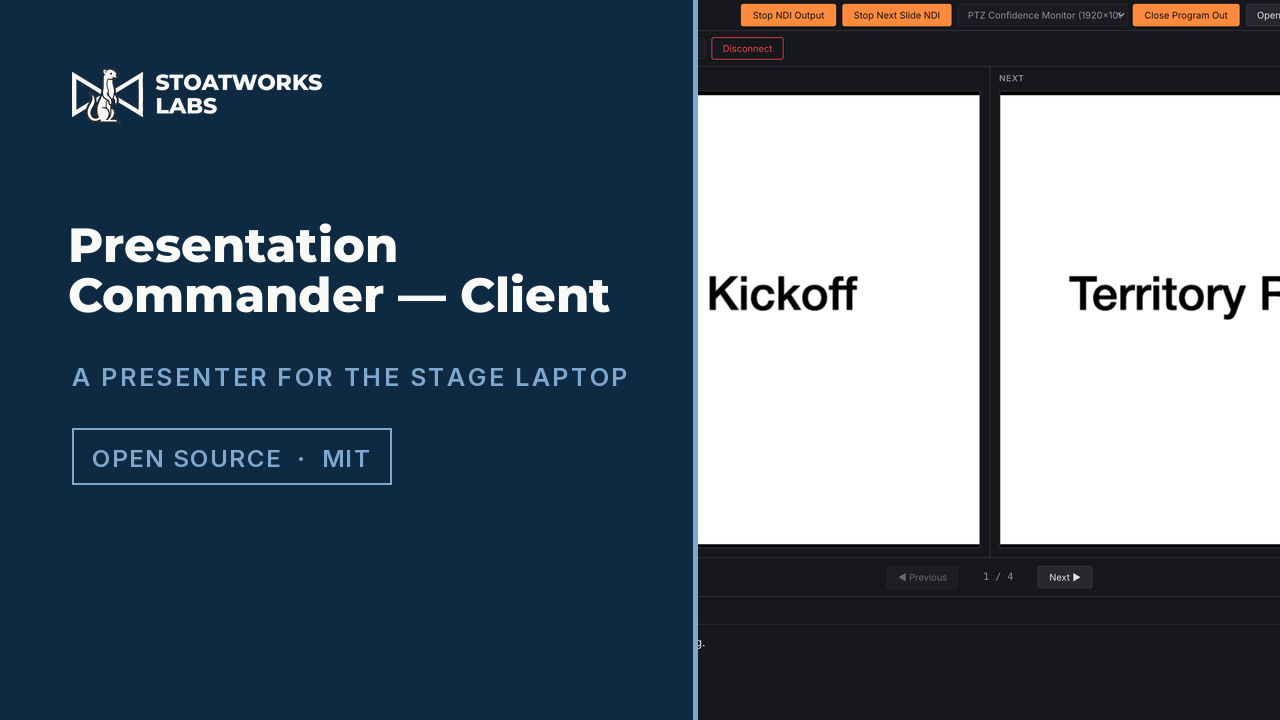
Presentation Commander — Client
Runs on each presentation laptop
A presentation engine rather than a capture tool. It opens the PDF itself, so Program and Next Slide are two clean NDI streams rather than a scraped screen, and on macOS it can drive a real, already-open Keynote slideshow over AppleScript instead.
- Bespoke PDF engine with Now/Next rendered locally via pdf.js
- Internal PDF links, like a contents page or a "back to agenda" button, stay clickable
- Keynote integration on macOS: navigation is two-way with the real slideshow
- Dual NDI out: Program and Next Slide as separate senders
How the two halves meet
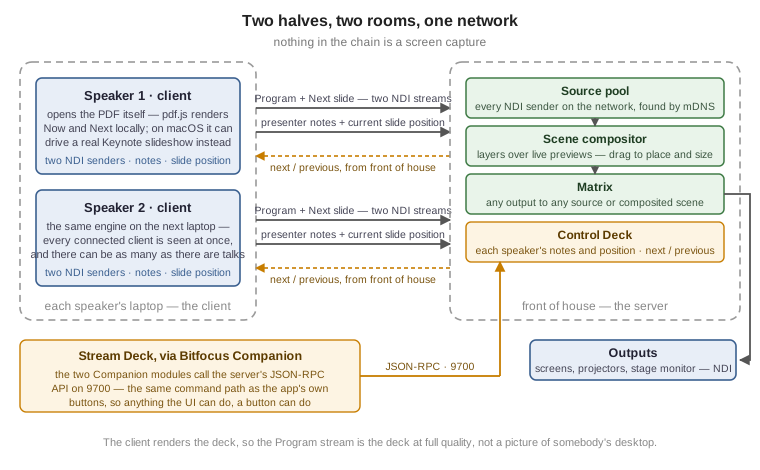
Each laptop runs the client. It sends two NDI streams (what's on screen now, and what's coming next) plus its presenter notes and current slide position. The server sees every client at once, so the Control Deck shows what each speaker is actually looking at, and next/previous can be driven from front of house without touching their machine.
Nothing in the chain is a screen capture. The client renders the deck, so the Program stream is the deck at full quality rather than a picture of somebody's desktop.
Driving it from a Stream Deck
The server's control surface and its JSON-RPC automation API on port 9700 are the same command path: the buttons in the app call exactly what an external controller calls. That API is what the Bitfocus Companion modules below use, so anything the UI can do, a Stream Deck can do.
Companion modules
Bitfocus Companion modules for both halves, so the whole system is drivable from a Stream Deck.
Everything else
There's more where this came from
This is one corner of it. The full index covers audio, video, RF, content management, show control and the networking underneath.