Getting presenter files in, converted, on screen, and out again afterwards.
Every event has the same content problem in the same order. Files arrive late, in the wrong format, from people who aren't going to learn your system and shouldn't have to. Something has to convert them without losing the speaker notes. Something has to put them on the screen and give the presenter a view of what is coming next. And when it's over, several terabytes of recordings have to become a project an editor can open.
That chain is the least-tooled part of a show and the one most likely to be held together by a runner with a memory stick. These are the pieces written to replace the memory stick.
10 projects · 9 with builds to download · 3 to try in a browser
Getting files in
The part that happens before you're involved, done by people you can't train.
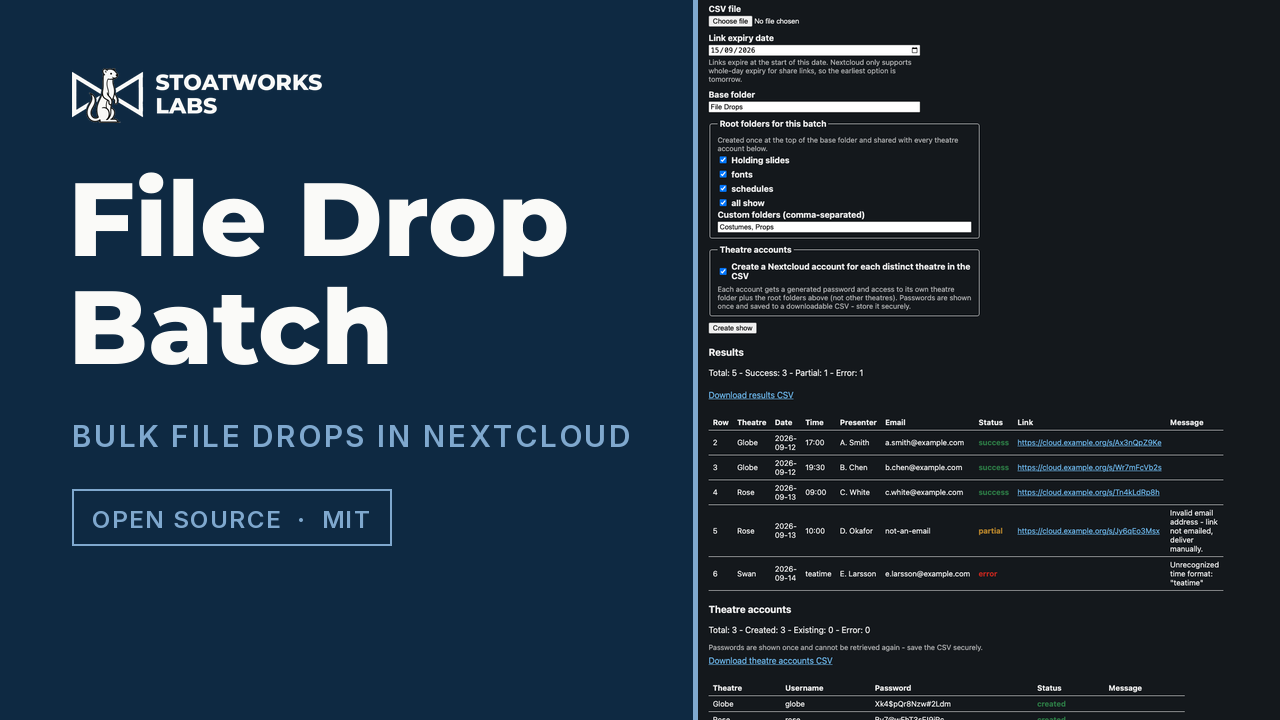
A Nextcloud app for production teams. Build a show from a CSV, in the browser or from a live Google Sheet, and it makes a folder and an upload-only drop link for every session, emails each presenter their link, and can set up an account per theatre that only sees its own folder.
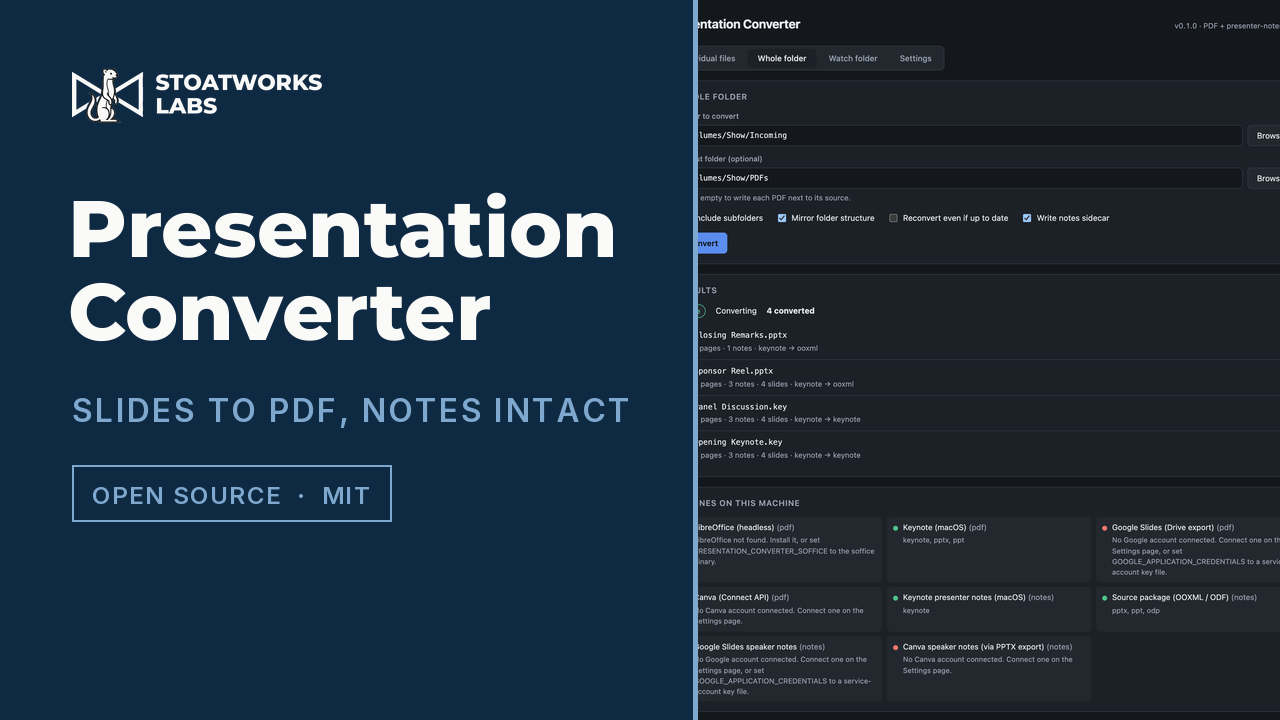
Converts Keynote, PowerPoint, Google Slides and ODP to PDF with a presenter-notes sidecar, so the notes survive the conversion. GUI, CLI, server and a Nextcloud app, all from one codebase.
A PowerPoint task-pane add-in that exports the open deck to 31 formats, each with its options left in: pictures at any size up to 16,384 pixels, PDFs trimmed to a range or split per slide, handouts and notes pages, Word and OpenDocument, MP4 and WebM with the deck's timings, a self-contained HTML5 presentation, reveal.js, LaTeX Beamer, Markdown and Marp, outlines, CSV and JSON, and cleaned, trimmed or flattened copies of the deck itself. PowerPoint draws every slide at the size each format asks for, and everything happens in the pane, so nothing's uploaded. One manifest covers PowerPoint on Mac, Windows and the web, and installing it means handing PowerPoint one small XML file that points at the hosted build.
Video FX · Content Management / Application/ TypeScript
A tray tool that keeps a Resolume show on DXV. Point it at a folder and anything dropped in gets probed and, if it isn't DXV already, sent to Resolume Alley to be converted. Point it at a running Arena or Avenue and it finds the clips that are still h264, converts them and swaps the converted file into the composition in place, keeping in and out points and clip effects, and leaving any clip that's playing alone until it stops. Alley does the converting itself, because ffmpeg has no DXV encoder and Alley is the only thing that makes one.
Resolume
Resolume Alley
DXV
Transcode
Electron
macOS
Fonts
A deck arrives with fonts the show machine has never had, and PowerPoint substitutes them silently. These say which ones, before the room finds out.
PowerPoint Font Manager as an Office add-in: a task pane inside PowerPoint that reads the open presentation directly, works out which fonts it actually uses, checks which of those are installed on the machine you're on, and offers the missing ones as downloads, metric-compatible stand-ins or a sidecar .zip. It's the same scanner as the web tool, vendored from that repository and imported unchanged, run on the deck you've got open instead of a file you drop in, so nothing's uploaded and there's no drag-and-drop. One manifest covers PowerPoint 2016+ on Windows, 2019+ on Mac, PowerPoint on the web and Microsoft 365. There's a double-click installer for Mac and Windows; all it does is point PowerPoint at the hosted build, so the add-in keeps itself up to date.
PowerPoint
Office add-in
Fonts
Typography
Google Fonts
Presentation
On stage
What the presenter sees, and what drives what the room sees.
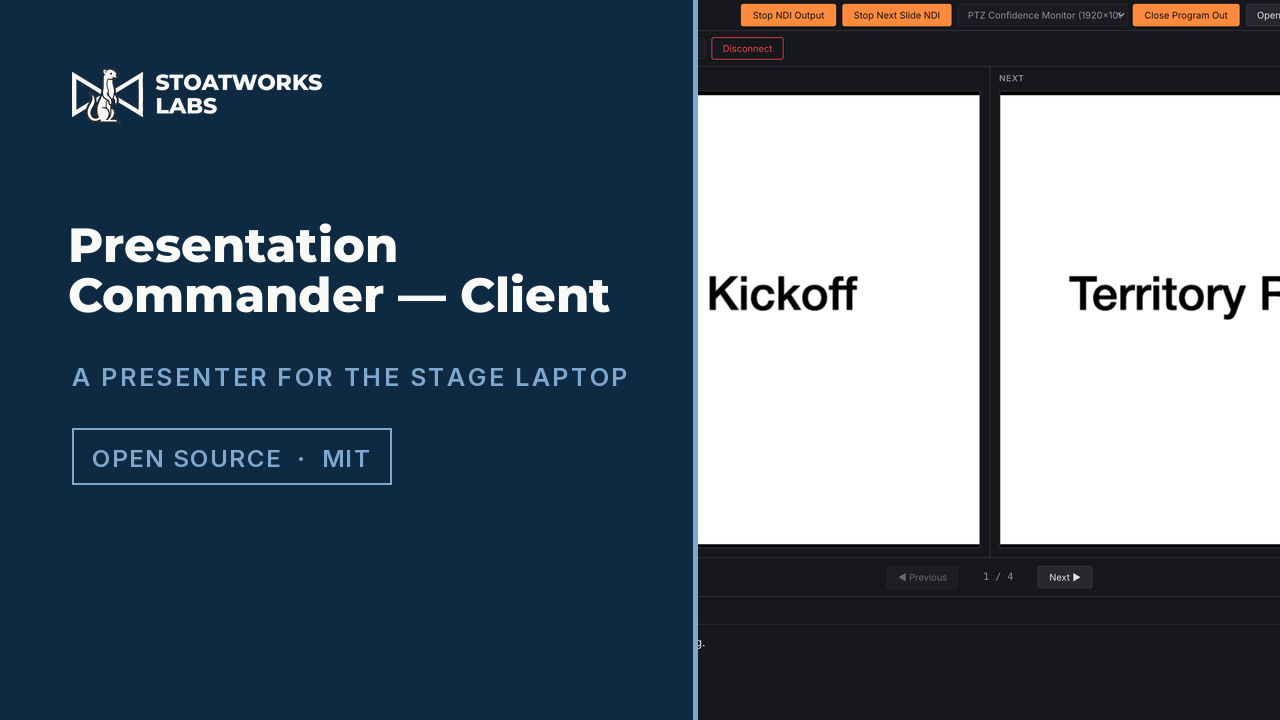
The half that runs on the presentation laptop: its own PDF, Keynote and Google Slides engine with two NDI outputs, Program and Next Slide, driven remotely from the Server.
Content Management · AV Systems / Application/ TypeScript/ v1.1.4
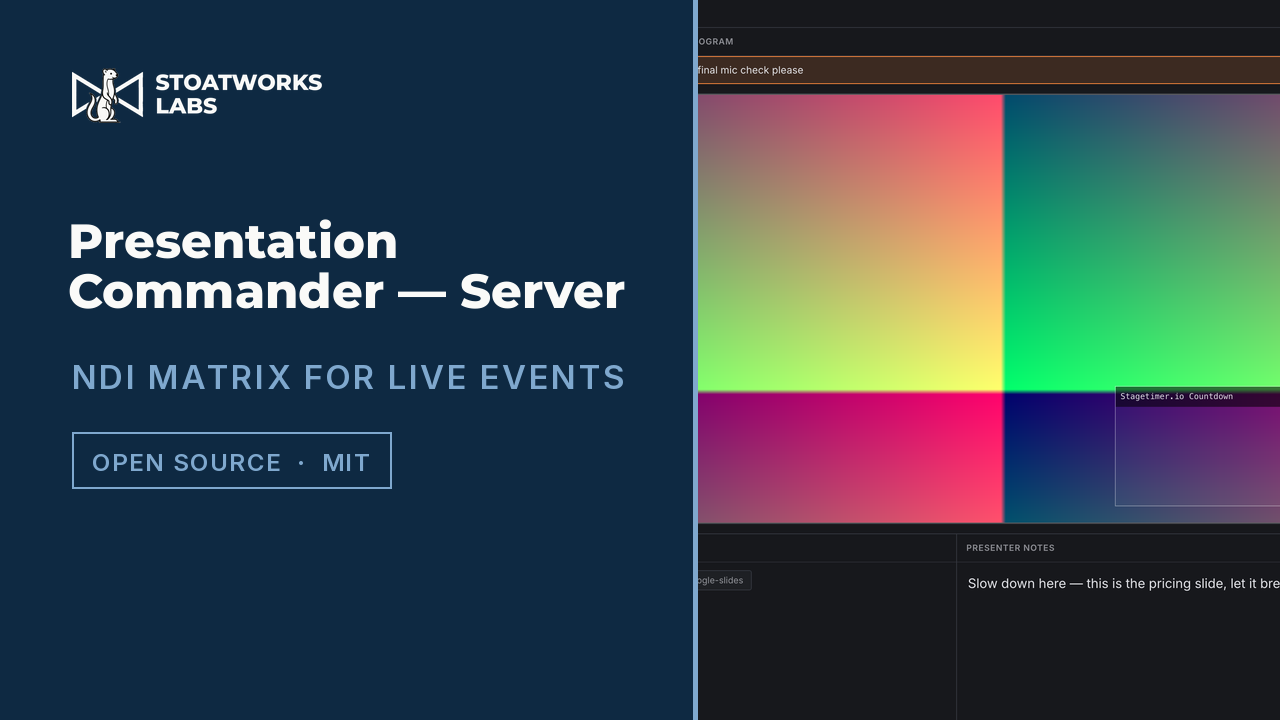
Master control for a presentation room: a real-time NDI video matrix router, a layered scene compositor, a presenter-notes hub, and a Control Surface with a JSON-RPC automation API.
NDI
Matrix router
Scenes
Electron
Afterwards
Turning what was recorded into something somebody can edit on Monday.
AV Systems · Content Management / Application/ Python/ v0.1.6
Sets up a whole DaVinci Resolve project, with theatre and day bins, a timeline per session, imported media and smart-bin recipes, from the same session CSV that drives the file-drop workflow.
Content Management · Show Control / Application/ Swift/ v0.6.0
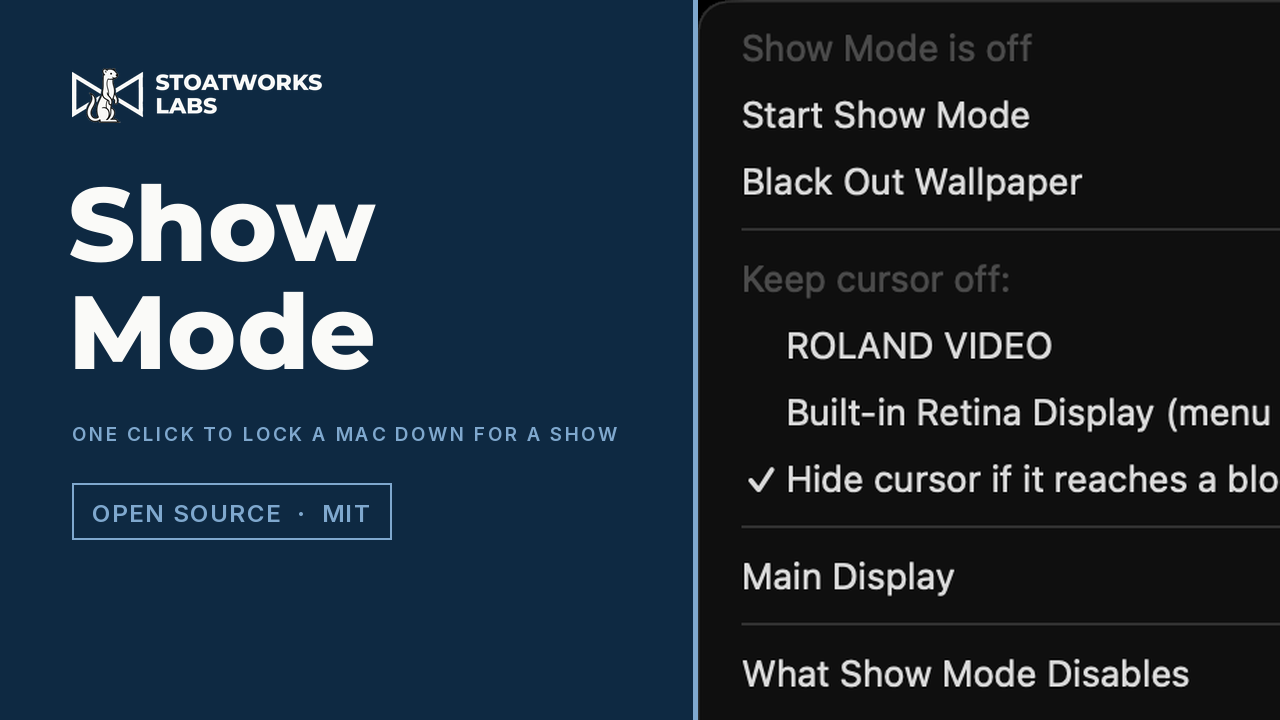
A menu-bar app for the Mac running your slides or playback. One click, a hotkey or a showmode:// URL from Companion stops it sleeping and turns off the screen saver, hot corners, Mission Control, notification banners, Night Shift, True Tone and the colour-shift apps. It blacks out the wallpaper, keeps the mouse off the screens the audience can see, and stops the displays rearranging themselves halfway through, PowerPoint included. It can also hush other apps, Spotlight, Time Machine and update checks, and there's a pre-show check for the things no app can switch off. Everything it changes gets written down first and put back when the show's over, or on the next launch if the Mac fell over mid-show.
Content Management · Show Control / Application/ Rust/ v0.2.0
A notification-area app for the Windows PC running your slides or playback, and the Windows sibling of Show Mode for the Mac. One click, Ctrl+Alt+Shift+F11 or a showmode:// URL from Companion stops it sleeping (lid shut included), turns on Do Not Disturb and turns off system sounds, the screen saver, Energy saver, Snap, AutoPlay and crash dialogs. It blocks the Windows key, keeps the cursor off the audience's screens, blacks out the wallpaper, keeps the main display main and splits a screen that starts mirroring back out. It quits f.lux, pauses Syncthing and can mute every app that isn't the show. A pre-show check points out what no app can switch off, a waiting Windows restart above all. Everything it changes gets written down first and put back when the show's over, or on the next launch if the PC fell over mid-show.
Windows
Notification area
Presentation
Playback
Audio
Do Not Disturb
Show control
In a browser tab
Hosted builds in this discipline that you can open right now, with no install and no account. Each one also has a page of its own underWeb tools, with what it does and doesn't send anywhere.
These were written in the order the problem arrives, and they hand off to each other on purpose. A speaker drops a deck into a folder; it's converted to PDF with the notes kept as data rather than as pictures of text; the presenter view reads those notes; the master server routes the output; and the session's own record of what happened becomes the edit project. Each link can be used on its own (most people arrive needing exactly one of them), but the reason they look like they were designed together is that they were.
The formats are where it fights back. Every exporter drops hidden slides, so a slide count and a page count aren't the same number and anything that assumes they are will silently mis-title half a deck. That kind of detail is what these tools are actually for.
Nothing here needs the internet on the day
Content tooling has a habit of assuming a cloud account, a login and a working uplink, none of which are safe assumptions in a basement ballroom an hour before doors. The conversion runs locally, the presenter apps talk to each other over the local network, and the file-drop side sits on your own Nextcloud rather than somebody's platform.
The Companion modules that put these on a Stream Deck are linked from each app's own page, because they're the control surface for this chain rather than part of it.
The full index carries every project at once, searchable and filterable by discipline, type and how finished it is, including the disciplines that don't have a page of their own yet.