Stoatworks Labs

Songbook Lite

Your mixing desks' show files, in a browser tab: inspect, document, convert, write back

In developmentRuns in a browser tab

Your mixing desks' show files, opened in a browser tab.

Import an SQ show folder, a dLive or Avantis show archive, a Yamaha .CLF or a DM3 / TF / DM7 scene and get the show laid out: the units and sockets with what feeds what, every channel with its source, fader, pan, assignments and sends, the buses, DCAs and mute groups, the scenes. Edit it, keep every version, write the PDF, the input-list CSV and the label strips, convert it for another desk, export a Companion page, and write an SQ show or a CL/QL file back with its checksum intact. It uses the same Rust core as the desktop app, compiled to WebAssembly and run on your machine.

This is the browser build of a desktop app called Songbook, and the Lite in the name is this page. The readers, the writers, the conversion and its report and the Companion export are the desktop app's own code, running as WebAssembly in the tab. The library of shows, their versions and their vendor files live in this browser's storage, and nothing is uploaded anywhere. What needs a desktop is the desk itself: pulling a mix over MIDI/TCP or SCP, pushing it back, recalling and storing scenes, and mirroring the library with a cloud drive. For those, use the desktop app. Both are in development: the readers and writers were built and checked against the vendors' own offline editors, and no desk has met this code yet.


Songbook Lite — Your mixing desks' show files, in a browser tab: inspect, document, convert, write back

What you get

01

The show, laid out

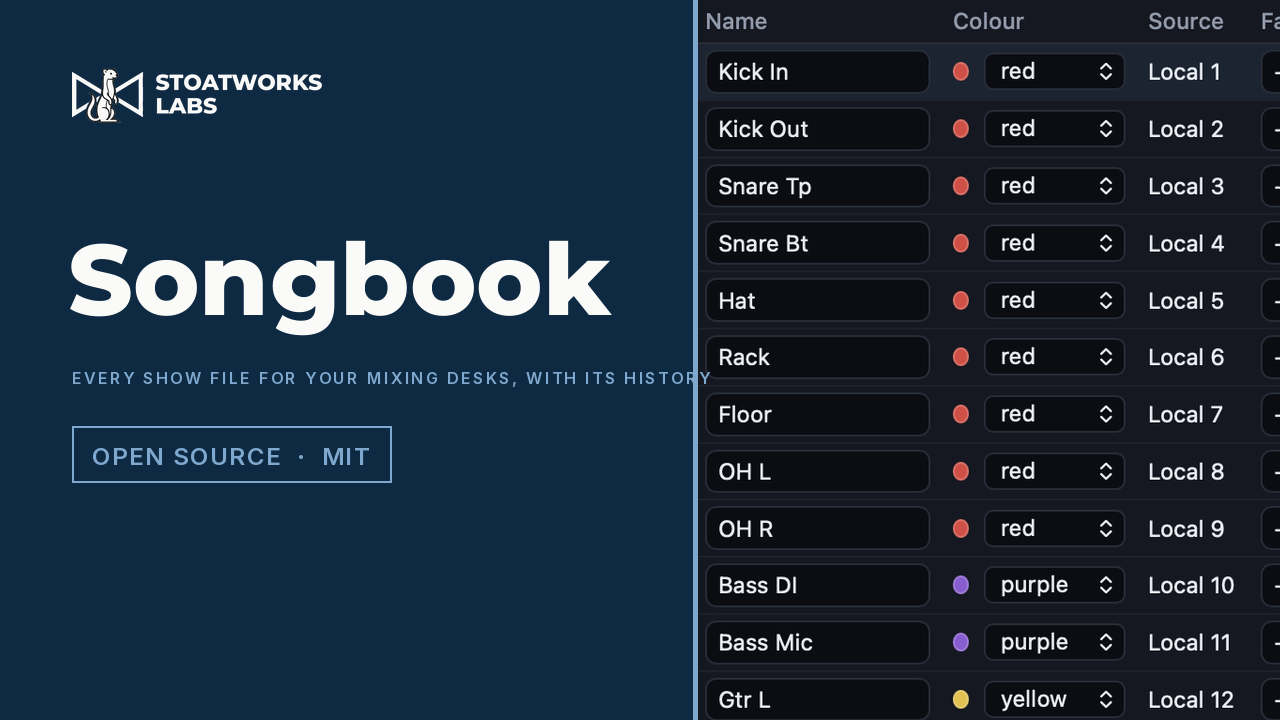
Every unit and socket with what it feeds; each channel with its source, preamp, fader, pan, main assignment, processing on/off and its sends to every bus; the buses, DCAs and mute groups; the output patch; scenes and cues. Names, colours, patch, faders, mutes, pans, sends and memberships are editable in place.

02

A version on every save

Each save is a content-addressed version, the same rule the desktop library uses, so saving the same thing twice records nothing. Select any two to see what changed, entry by entry, and restore any one (the restore is a version too).

03

PDF, CSV, label strips, Companion

A PDF with the desk and I/O, the input list, the send matrix, buses and outputs, DCAs and mute groups, scenes and cues, the import notes and the version history. An input-list CSV. Label strips as 300 dpi PNGs at the fader pitch you give it. A Bitfocus Companion page for the allenheath-sq, allenheath-dlive, allenheath-avantis or yamaha-rcp module.

04

Conversion, and writing back

Any desk to any other, re-keyed in the target's own spelling and held against its capacity, with every name that was cut, colour that was mapped and bus that was dropped named in the report. And two formats go back to the desk: an SQ show (input patch, scene names) and a CL/QL .CLF (input patch, channel names), written into a copy of the file they came from with the vendor checksum recomputed.

What to check before a show

  1. 01

    Your show files stay on your machine

    There's no backend and no upload. A file is read by the page from your own disk, parsed in the tab, and kept in this browser's IndexedDB with its versions. That's where the library lives, so clearing the site's data clears it. Export a show as JSON to take it elsewhere; the desktop app keeps the same library as plain files.

  2. 02

    Editors, not desks

    The readers were built by controlled diffs in the vendors' offline editors (SQ MixPad, Avantis Director, QL Editor, DM3 Editor, TF Editor), and the two writers were checked in them: MixPad re-saved a Songbook-written NVDATA.DAT byte-identical, and QL Editor loads a written .CLF and refuses one with a single checksum bit flipped. No console has loaded a Songbook-written file yet, so treat a written show as provisional until one has.

  3. 03

    No devices, no sync

    Pull, push, scene recall and store, and the cloud mirror need sockets a page hasn't got, so they're left out here rather than shown and broken. The desktop app has all of them.

  4. 04

    What isn't decoded stays as it was

    A written file only changes the fields the reader understands. Everything else in it (preamps, processing, the mix) is carried over byte for byte from the kept original. dLive / Avantis archives and DM3 / TF / DM7 scenes are export-only, because their blobs are only partly decoded and a write couldn't promise the same.

Run your own copy

There's no container for Songbook Lite, so the hosted copy is the one to use.

Self-hosting the web tools, and which ones you can