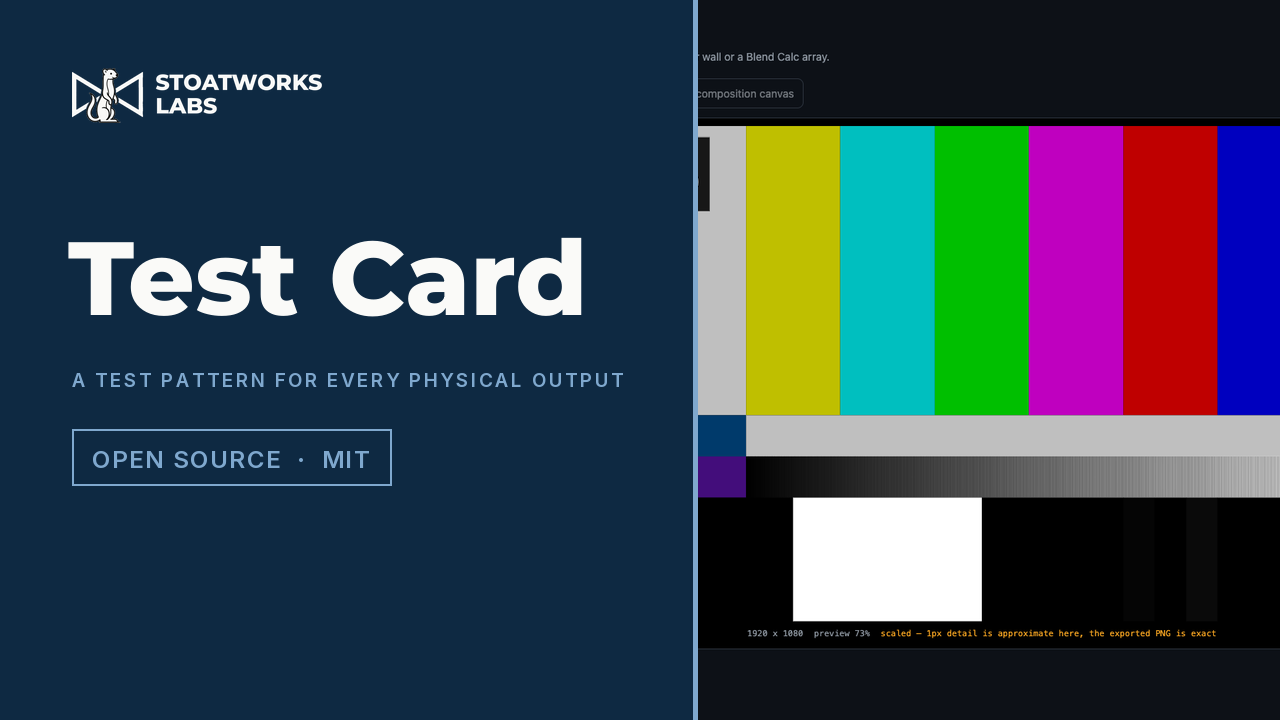
01
Eight patterns for measuring
SMPTE RP 219, 75% bars, a grid on your own pitch, alignment marks, LED tiles, solid fields, greyscale ramps and a 1px pixel check. Every pattern, these and all the ones below, can carry a burn-in (output name, resolution, pattern, your own text) and can draw the imported slice or port outlines on top.
02
RP 219 measured, not transcribed
The point of it
Published descriptions of RP 219 disagree with each other and mostly leave out the code values, so the geometry and colours were measured off a real generator instead. Two traps there each produce plausible, wrong output: decoding HD to rgb24 applies a BT.601 matrix, which turns 75% yellow into 189,202,7 instead of 191,191,0, and default chroma upsampling smears the band edges. Anything built by sampling that inherits the error.
03
One file per output, or one for all of them
A PNG per output at its native raster: one downloads on its own, several come as a ZIP with a manifest recording which file is which output, the level range, and any raster the app had to infer. Or a single composition-sized canvas with each output's region drawn and labelled, so when you play it out every screen should show its own name.
04
It asks which range you mean
Bars are defined in Y′CbCr, a PNG is RGB, and a PNG can't record which convention it was written in, so the app asks and puts the answer in the manifest. Full 0–255 for a media server or GPU output, legal 16–235 for an SDI chain, where sub-black survives and the pluge is actually judgeable.
05
A classic card, a levels check and AV sync
A test card in the old broadcast tradition: grey grid, castellated edges, colour bars, gratings down to 1px and a big circle with the output's name at its foot, and a stoat where the famous ones had a photograph (or your own picture, or your own words). A levels check that says whether the chain is full range end to end and, if it isn't, which end has it wrong, with the verdicts printed on the card. And AV sync: a flash and a one-frame beep once a second, with boxes numbered −6 to +6 lighting a frame apart, so filming it with sound tells you how many frames late the audio is. The MP4 carries the sound, each beep within a quarter of a millisecond of its flash.
06
Nine for while the client walks in
Rulers along the edges, worked out from the pixel pitch and never more than half a pitch out. A life-size bunch of bananas for scale, once or on every tile, with the wall's size in bananas. Seven dinosaurs at life size, cut off by the wall's edges where they don't fit. A dancing pixel-art hamster on every LED tile, as a nod to a certain 1998 web page. A sea, a scrolling Cretaceous, a volcano with a comet on the way, a wall broken fifteen different ways (labelled, if you're training someone), and any picture of your own, which stays in your browser.
07
Three for Halloween, eleven for doing nothing
For the one week a year the wall is expected to be festive: a jack-o'-lantern on every LED tile, a night wood scrolling past in five layers with witches crossing the moon, and a haunted house with the dead walking its graveyard. And for the hours a wall spends waiting for something to happen, the Windows 95 and 98 screensavers, Mystify to 3D Pipes, ported from Idler, my Resolume generator of the same eleven, and drawn through its own shaders. Those need WebGL2.
08
Loops that go round without a seam
Everything that moves (the scenes, the hamsters, Halloween, the screensavers, AV sync, a broken wall over any of them) exports as H.264 MP4, encoded in the tab, one per output or one for the composition. Everything in the loop does a whole number of cycles, so the last frame leads straight back into the first, and the colour goes through Rec. 709 into limited-range 4:2:0, labelled as such. Read back with ffmpeg, 75% bars come out within one code value of the standard. A raster bigger than the browser will encode comes out as a set of tiles, each its own seamless loop, with a manifest saying where each goes.
09
Or straight to the displays
Live output skips the files: in Chrome or Edge it lists the displays plugged into this computer, gives each the output that's its size, and opens a window over each that goes full screen on a click, at 1:1 when the sizes match. The windows follow every change in the editor and keep going if the editor tab is reloaded.