

Stoatworks Labs

Blend Calc

Projector edge blends, and what the overlap costs

In developmentRuns in a browser tab

The overlap is the part that costs money.

Define the projection canvas, set the array, pick a projector and a lens, and get the system resolution, the pixel budget for the doubled regions, the lens requirement per position, a PDF report and a Resolume Arena advanced-output file.

Everything is worked out in the page and kept in local storage, with no backend, no account and no telemetry. The projector and lens library is yours to edit, with JSON import and export, so it can hold the stock you actually tour with rather than a list somebody else picked.

Blend Calc — Projector edge blends, and what the overlap costs
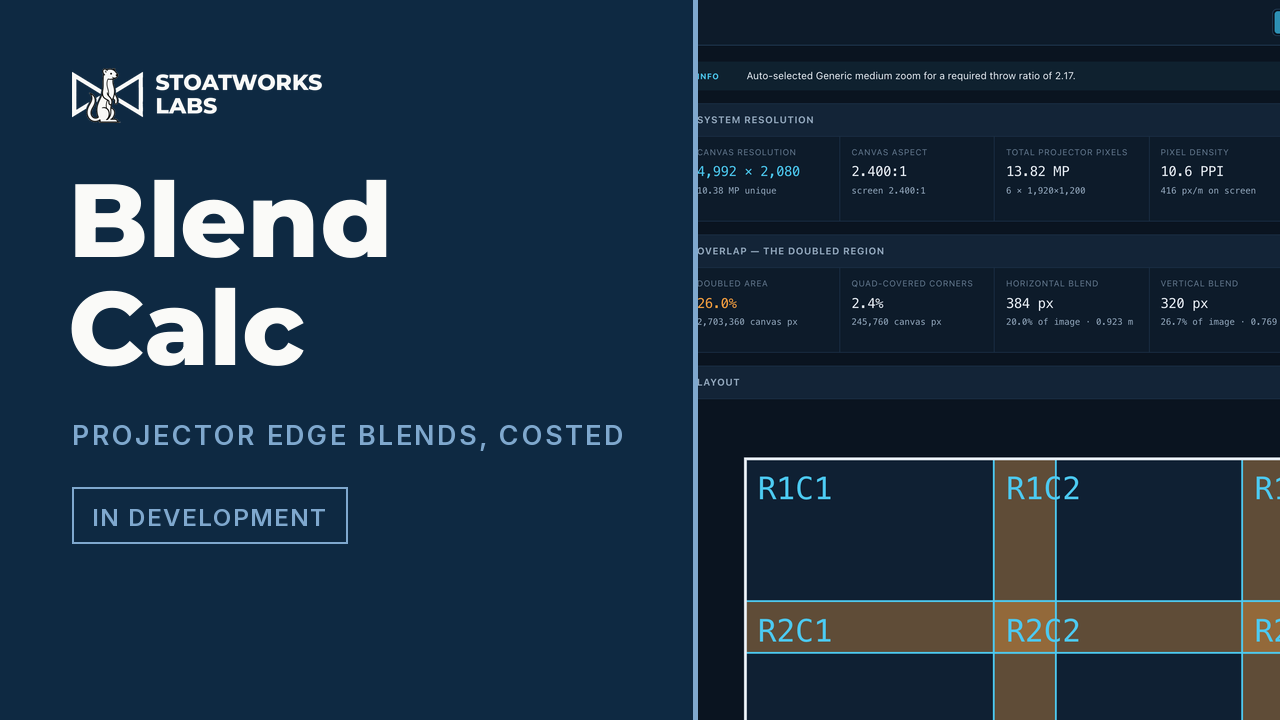
A 3 × 2 array on a 12 × 5 m screen: 26.0% of the canvas covered twice, 2.4% covered four times where the blends cross.

What it works out

01

Flat or curved

On a curve you give the arc width measured along the surface (the way a screen is actually built) and the radius, and the wrap angle and chord fall out of that. The optics aren't just the flat maths with a fudge factor: you need a wider lens than flat suggests, and the image is shorter at the tile edges than at the centre.

02

The array closes on the screen

Pin one blend and the solver derives the other so the array lands exactly: fit width sets the horizontal and derives the vertical, fit height does the reverse. Manual mode reports the spill or the shortfall rather than quietly correcting it.

03

The doubled region

Blend bands are covered by two projectors, and where a horizontal and a vertical blend cross, by four. All three are reported separately, in canvas pixels and as a share of the canvas, with the redundant pixels (the ones you pay for twice and see once) totalled.

04

Throw and lens

Required throw ratio per column, the lens that covers it, where it sits in its zoom range, and the horizontal shift needed. Two placement models: one projector per tile on its own axis, or the whole array stacked at a common point, where off-axis tiles need shift and a curve changes the throw column by column.

What to check before a show

  1. 01

    The shipped projector and lens data is seed data

    It's flagged unverified throughout, badged in the UI and carried as a warning box on the PDF. Check lens coverage and brightness against the manufacturer's datasheet, and the room against a site survey, before anything gets ordered or quoted. The generic lens classes ("standard zoom, 1.3–1.8:1") can't be wrong about a product, because they describe a category rather than one.

  2. 02

    Every figure is geometric

    It assumes square pixels, no keystone, no lens distortion, a perfectly built screen and zero optical losses. The luminance estimate is a ceiling in particular: it ignores lamp ageing, port glass and blend-region compensation.

  3. 03

    The Arena file carries geometry, not soft edges

    One Screen per projector, each with a slice covering that projector's share of the composition, overlap included. Blend parameters are left out on purpose: no reference file had blending switched on, and a guessed parameter name is worse than a missing one, so set the blend widths on each slice edge in Arena. The XML vocabulary was read off real files from an Arena 7.27.0 install, but it's never been round-tripped through a running Arena.

Run your own copy

Blend Calc is also published as a Docker image, ghcr.io/stoatworks-labs/blend-calc, serving the same files as the hosted copy. On a laptop or a box in the rack it keeps working when the venue's internet doesn't.

Docker

docker run -d --name blend-calc --restart unless-stopped -p 8521:80 ghcr.io/stoatworks-labs/blend-calc:latest

Then it's at http://localhost:8521/. The repo's docker-compose.yml does the same with docker compose up -d.

Unraid

Search Community Applications for blend-calc and install it. The template sets the port to 8521 for you.

Self-hosting the web tools, and which ones you can