Stoatworks Labs

Showbook lite

Your switchers' show files, in a browser tab: inspect, document, convert

In developmentv0.2.0Runs in a browser tab

Your switchers' show files, opened in a browser tab.

Import an Event Master backup or a LivePremier .awc and get the show drawn: the chassis with every plug and what's on it, the patch, each screen to scale with its layers, the memories, the multiviewers. Edit it, keep every version, write the PDF and the test patterns, convert it for another switcher, export a Companion page. It uses the same Rust parsers as the desktop app, compiled to WebAssembly and run on your machine.

This is the browser build of a desktop app called Showbook, and the lite in the name is this page. The parsers, the conversion and its report and the Companion export are the desktop app's own code, running as WebAssembly in the tab. The library of shows, their versions and their vendor files live in this browser's storage, and nothing is uploaded anywhere. What needs a desktop is the hardware: pulling a show from a switcher, pushing labels or an .awc back, recalling presets and TAKE, and mirroring the library with a cloud drive. For those, use the download. Both are in development: every driver was built against the vendors' simulators, and nothing has met a physical switcher yet.


Showbook lite — Your switchers' show files, in a browser tab: inspect, document, convert

What you get

01

The show, drawn

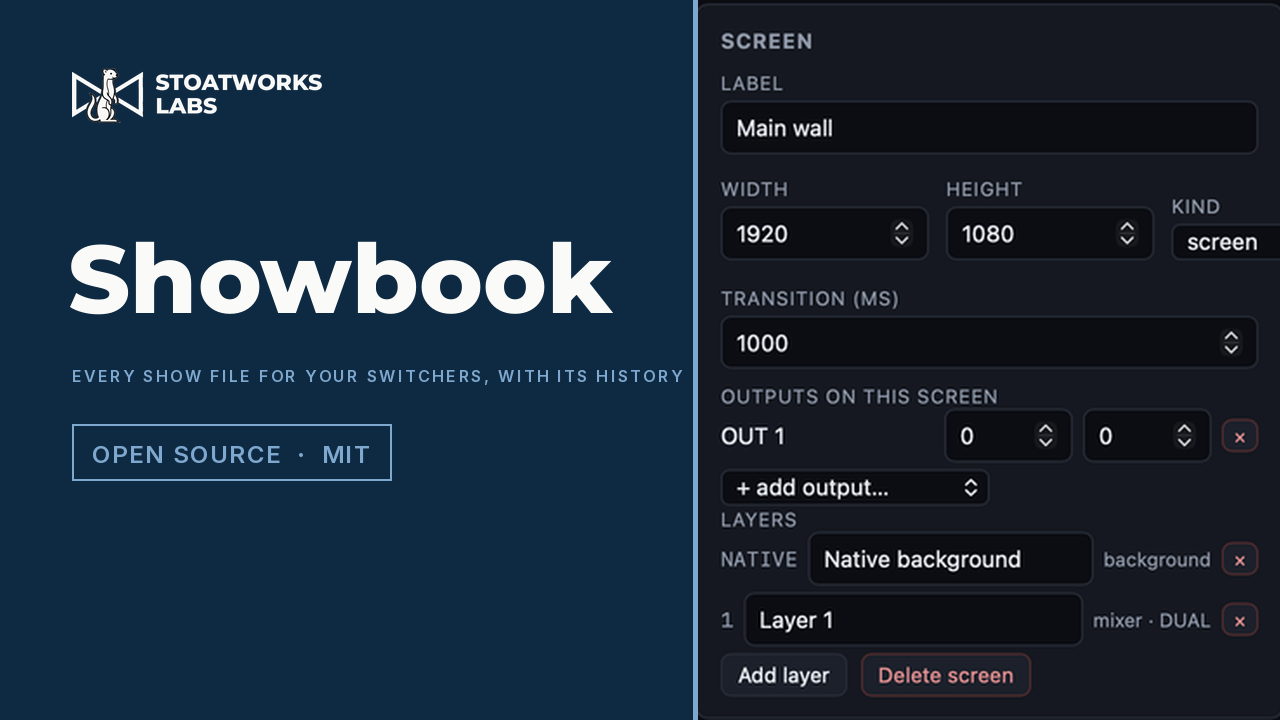
Every card and every connector with what's plugged into it; inputs, outputs and sources with their formats; each screen to scale with its outputs tiled across the canvas and the layers of any memory over them; multiviewer layouts with a source and a UMD per window. Labels, formats, layer rectangles and windows are all editable, so drag them about.

02

A version on every save

Each save is a content-addressed version, the same rule the desktop library uses, so saving the same thing twice records nothing. Select any two to see what changed, entry by entry, and restore any one (the restore is a version too).

03

PDF, test patterns, Companion

A PDF with the chassis and patch tables, every screen and memory to scale, the multiviewers, a glossary of what the settings mean and the version history. One labelled test pattern per output at its own raster, with arrows to its neighbours, and one per screen, downloaded as a zip. A Bitfocus Companion page for the barco-eventmaster or analogway-awj module.

04

Conversion, with a full report

Event Master to LivePremier or back, re-keyed in the target's own spelling and held against the model's capacity, with every feature that carried, was adapted or was dropped named. Capability tables cover Midra 4K, Alta 4K, LiveCore, PDS-4K and PixelHue as well.

What to check before a show

  1. 01

    Your show files stay on your machine

    There's no backend and no upload. A file is read by the page from your own disk, parsed in the tab, and kept in this browser's IndexedDB with its versions. That's where the library lives, so clearing the site's data clears it. Export a show as JSON to take it elsewhere; the desktop app keeps the same library as plain files.

  2. 02

    Simulators, not switchers

    The parsers were built against the Event Master Toolset simulator and the LivePremier, Midra 4K and Alta 4K simulators. No Event Master preset or cue file has ever been seen, so that part of a backup is read structurally and reported. Treat a show read from a backup as provisional until a real one has been through it.

  3. 03

    No devices, no sync

    Pull, push, recall, TAKE and the cloud mirror need sockets a page hasn't got, so they're left out here rather than shown and broken. The desktop app has all of them.

  4. 04

    The .awc stays sealed

    A LivePremier .awc is encrypted. Showbook keeps it as an opaque file beside the show and doesn't read inside it; the show's configuration comes from a device store, which the desktop app can pull.

Run your own copy

There's no container for Showbook lite, so the hosted copy is the one to use, or the app you install from its project page.

Self-hosting the web tools, and which ones you can