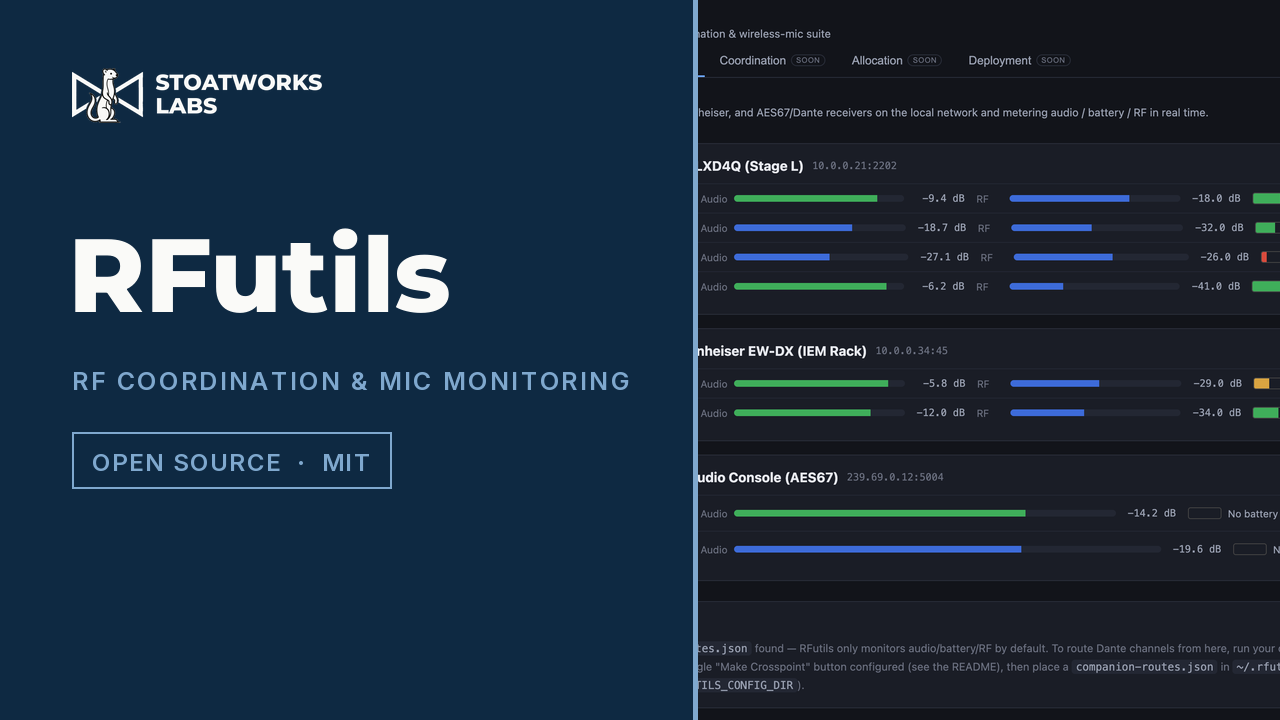
Any coordination file in, any other one out, with the frequencies worked out.
The conversion and coordination half of RFutils, running entirely in the page. Drop in a Shure .shw or .cws, a Sennheiser .wsm project, a WSM or WWB coordination report, a bare frequency list or any CSV at all, and export it back out as any of the others. Or set the equipment and the band and let it place a compatible set of carriers for you.
RFutils merged three earlier tools into one suite, the Ofcom PMSE converter among them. The hosted build has Convert, Coordination, Inventory and Allocation; Monitor and Deployment are missing, because discovering receivers over mDNS, decoding AES67 audio and programming frequencies over TCP all need sockets a web page can't open. For those, download RFutils.
What runs in the tab
01
Convert between the two ecosystems
Shure ↔ Sennheiser
Reads Shure .shw and .cws, Sennheiser .wsm projects, WSM HTML coordination reports, WSM Frequencies/Bands CSV, WWB coordination report CSV, a bare frequency list, or any other CSV through a column-mapping dialog. Writes a WWB frequency list, WWB inventory CSV, WSM Frequencies/Bands CSV, generic CSV, or an experimental WWB7 .shw. Everything routes through one internal channel model, which is what makes any input re-exportable as any output.
02
An Ofcom licence is an input
Upload a PMSE licence schedule PDF and get a WWB frequency list, a reference sheet mapping each frequency to a suggested name and coordination group, and an experimental .shw. Validated against a real schedule: all 116 assignments, with their frequencies, sites, periods, fees and header metadata.
03
Coordination that knows what you own
Mode, not model
Pick the equipment profile, the band variant you actually own (a ULX-D G51 coordinates differently from an H50) and the operating mode, because spacing is a property of the mode: Axient Digital wants 350 kHz standard and 125 kHz in High Density. The engine builds each radio's candidate grid and places carriers clear of third-order and optional fifth-order intermodulation products. Bands with gaps are respected, mixed rigs take the wider of any two spacings, each radio keeps its own tuning raster, and the result is deterministic, so the same request always comes out the same.
04
Every number says where it came from
Provenance
Each spacing figure is labelled from the manufacturer's documentation, calculated from published figures, or no source (assumed, verify before a show), with the URL it came from. Shure, Sennheiser, Lectrosonics and Wisycom are researched; the rest of the catalogue still carries placeholders and says so on screen rather than in a footnote.
What to check before a show
01
The .shw exporter is reverse-engineered, and the frequency list isn't
The WWB7 show file was worked out from a single real .shw and has never been validated by Shure. Open one in Wireless Workbench and check it before it goes anywhere near a show. The .txt frequency list is the documented import format and is the safe route when it matters.
02
The licence parser is calibrated to one Ofcom template
The original tool used a table detector; this port buckets positioned text into the columns of the fixed Ofcom ST16 template, scaled by page width. That's exact for the template it was calibrated against and would need re-calibrating for a materially different revision, so sanity-check the parsed assignments against the source PDF.
03
Occupied bandwidth isn't the spacing to coordinate at
A PSM 1000 occupies about 175 kHz, but Shure's own compatible-frequency count implies roughly 1.85 MHz of separation. Both figures are shown, and reading the first as the second is the classic way to build a plan that measures fine and fails in the room.
04
Monitor and Deployment aren't here, and Deployment is untested anywhere
The hosted build just doesn't carry them. In the desktop app, live programming is experimental, dry-run by default, untested against hardware, and only reaches Shure command-string and Lectrosonics channels (the Lectrosonics wire format is still a placeholder); everything else exports a file. Check the strings against your receiver's Command Strings PDF before sending any of them.
05
Your files and your inventory stay in the browser
The parsers, the .shw generator and the coordination engine all run on your own machine, in the page, using the same shared code the server runs, which is what makes that possible. The inventory lives in the browser's own storage in place of the file the desktop build keeps, so clearing site data clears it. A licence PDF names a site, a date and a licensee, and it never leaves your laptop.
Run your own copy
RFutils is published as a Docker image, ghcr.io/stoatworks-labs/rfutils. This one is a service rather than a static page: it finds receivers with mDNS, which Docker's bridge network doesn't pass on, so the container uses the host's network and comes up on port 8420. Its settings live in theconfig folder you mount.