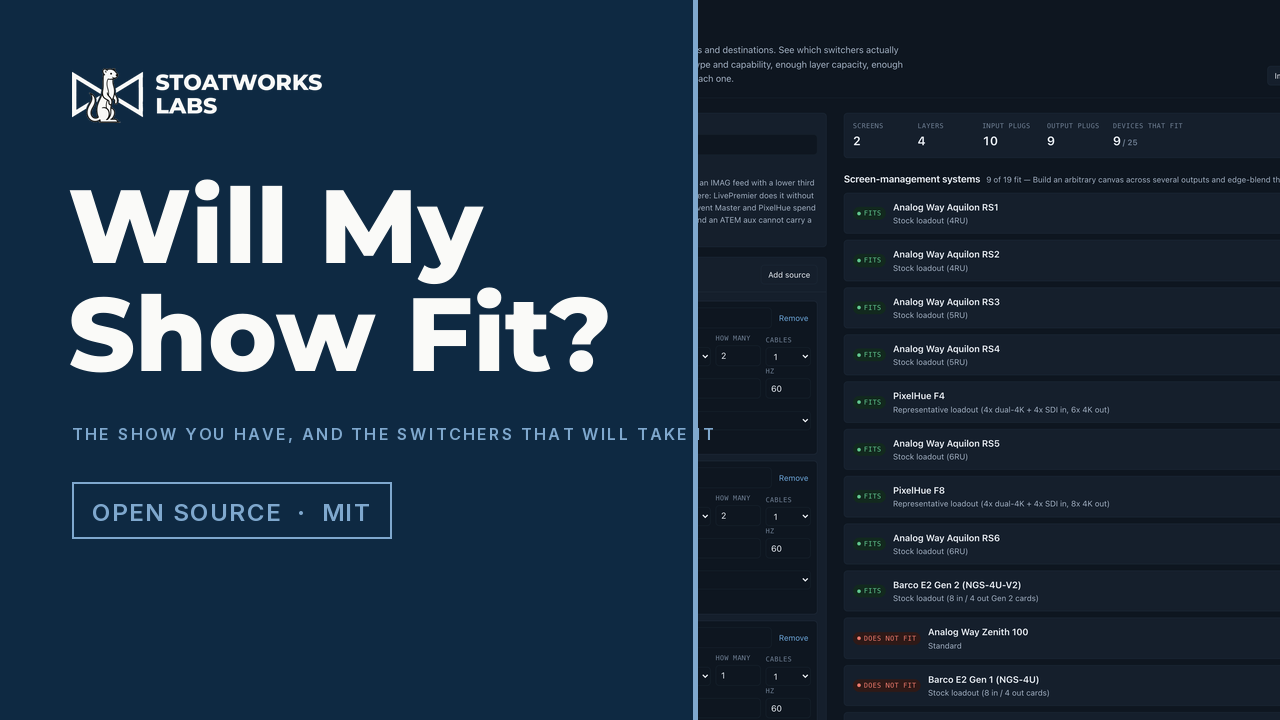
Does every signal have a plug it can actually travel down?
Describe the show: the screens and their canvases, the layers on each, every source with the connector it actually has on the back, and every destination that needs feeding. Thirty-seven machines are then checked properly, with a specific plug found for every signal, the format checked against what that plug can carry, and the layers spent by each manufacturer's own arithmetic. Then you get a wiring topology for each one that fits.
A beta, on its own domain at willmyshowfit.com. Nothing is uploaded: the show stays in the tab, and export writes to a file you pick.
What it does
01
Fits plugs the way a patch actually works
Twelve inputs and twelve sources isn't an answer. Four cameras wanting the two SDI inputs is a no, and no amount of counting will spot it, so every signal is matched to a specific connector, with the format checked against what that connector carries. A 4K60 source doesn't go into an older HDMI plug, 4:4:4 doesn't go down SDI, and a DisplayPort link budget is checked as well as its clock.
02
Knows which sockets aren't really separate
One popular chassis has outputs that look like two sockets on the back panel and are one signal on two connectors, and inputs where two sockets are an either-or. Counting the sockets overstates that machine by a third. Both cases collapse to one output, and the patch list says which connector to use and what the other one is doing.
03
Spends layers in each machine’s own units
One manufacturer charges a 4K mixing layer twice what it charges its smaller one. Another's ladder runs one to two to four. A third budgets layers per output card, so a machine advertising sixteen of them still can't put three on a screen that lives on one card. None of it is averaged into a house rule, because the difference is usually what decides the answer.
04
Treats layers on aux as a capability, not a preference
One switch, and it splits the field three ways: machines that build layers on an aux without touching the main layer budget, machines that charge exactly what an on-screen layer costs, and machines where an aux is a clean feed that can't carry a key at all. With the switch off they all look alike. With it on, the shortlist changes.
05
Proposes the patch, and says where an adapter will do
Every machine that fits gets a wiring topology: which signal on which plug, which runs need a passive adapter and what that costs you, which signals arrive on more than one cable and have to be combined in configuration rather than just patched, and what's left spare. Machines that don't fit get the reason instead.
06
Suggests a card loadout when the stock one misses
For the chassis built from swappable I/O cards, a miss is only half an answer. The catalogue is searched for the smallest set of cards that would take the show, and the suggestion comes with the wiring that follows from it. It's capability-aware in both directions: five 1080p sources get one eight-plug card rather than two four-plug ones, and a single source gets a small card rather than the big multi-format one that merely has the right socket on it.
07
Saves, loads and prints
The whole configuration round-trips as XML a person can read and hand-edit, and a file with a mistake in it imports as far as it can and lists what it couldn't read rather than throwing everything else away. The answer prints as a report (input list, output list, compatibility matrix, topology, and every source behind the verdict) as a page or a standalone HTML file.
What to check before a show
01
Nothing here has met any hardware
That's the beta, and it's on the page rather than buried. The engine is tested hard: ninety-three tests covering the timing arithmetic against published figures, the connector matching including the cases a straight count gets wrong, dual-cable rate splitting, layer costing, every way a capacity budget can be scoped, the card-loadout search, and the file round trip. None of that is the same as a show built from a topology it proposed, and there hasn't been one yet.
02
The device database is paperwork, and says which kind
Every figure is read from a manufacturer's manual or spec sheet and carries that document, quoted and dated, in the app. A test fails the build if anything claims to be documented without naming its source. Figures that couldn't be sourced are marked unverified rather than guessed at. One layer count is exactly that, because its manufacturer doesn't publish one.
03
Two manufacturers’ own documents contradict themselves
One spec sheet duplicates its aux paragraph into the row that should describe layers, so that row says nothing; the figures come from a different section of the same document instead. Another disagrees with itself about how many output slots a chassis has, between its body text and its own diagram. Both are recorded with the discrepancy stated, and the second says to confirm against the chassis before ordering.
04
A suggested card loadout is a starting point, not an order form
The machines built from swappable I/O cards are profiled as they ship, and where that misses, the catalogue is searched for the smallest set of cards that would take the show. Slot-position rules aren't modelled (some manufacturers require particular cards in particular slots, and one range's multi-format card carries six connectors but is capped at two of them at 4K60), so a suggestion is a starting point to check against the manufacturer's own slot diagram, not an order form.
05
The four sockets on a card aren't always the same socket
One manufacturer's output card has four HDMI connectors where the top two run to 297 megapixels a second and the bottom two stop at 165, so a chassis advertising eight HDMI outputs actually has four that carry 2560x1600 and four that don't. The chassis documentation only quotes the higher figure, and the split is published on a different sheet, for a different product. This tool had the optimistic reading until one of its own tests disagreed with it, which is roughly the point of having them.
06
A canvas budget isn't the same as a layer budget
Several machines meter total canvas or throughput separately from layer count, and offer more of it if you give up preview or the multiviewer. Where a show only fits that way, it's reported as a trade-off with the cost spelled out rather than as a pass, because cutting a show blind is a decision somebody has to make on purpose.
Run your own copy
Will My Show Fit? (beta) is also published as a Docker image, ghcr.io/stoatworks-labs/willmyshowfit, serving the same files as the hosted copy. On a laptop or a box in the rack it keeps working when the venue's internet doesn't.
Docker
docker run -d --name willmyshowfit --restart unless-stopped -p 8537:80 ghcr.io/stoatworks-labs/willmyshowfit:latest
Then it's at http://localhost:8537/. The repo's docker-compose.yml does the same with docker compose up -d.
Unraid
Search Community Applications for willmyshowfit and install it. The template sets the port to 8537 for you.