

Mini Converter power guard
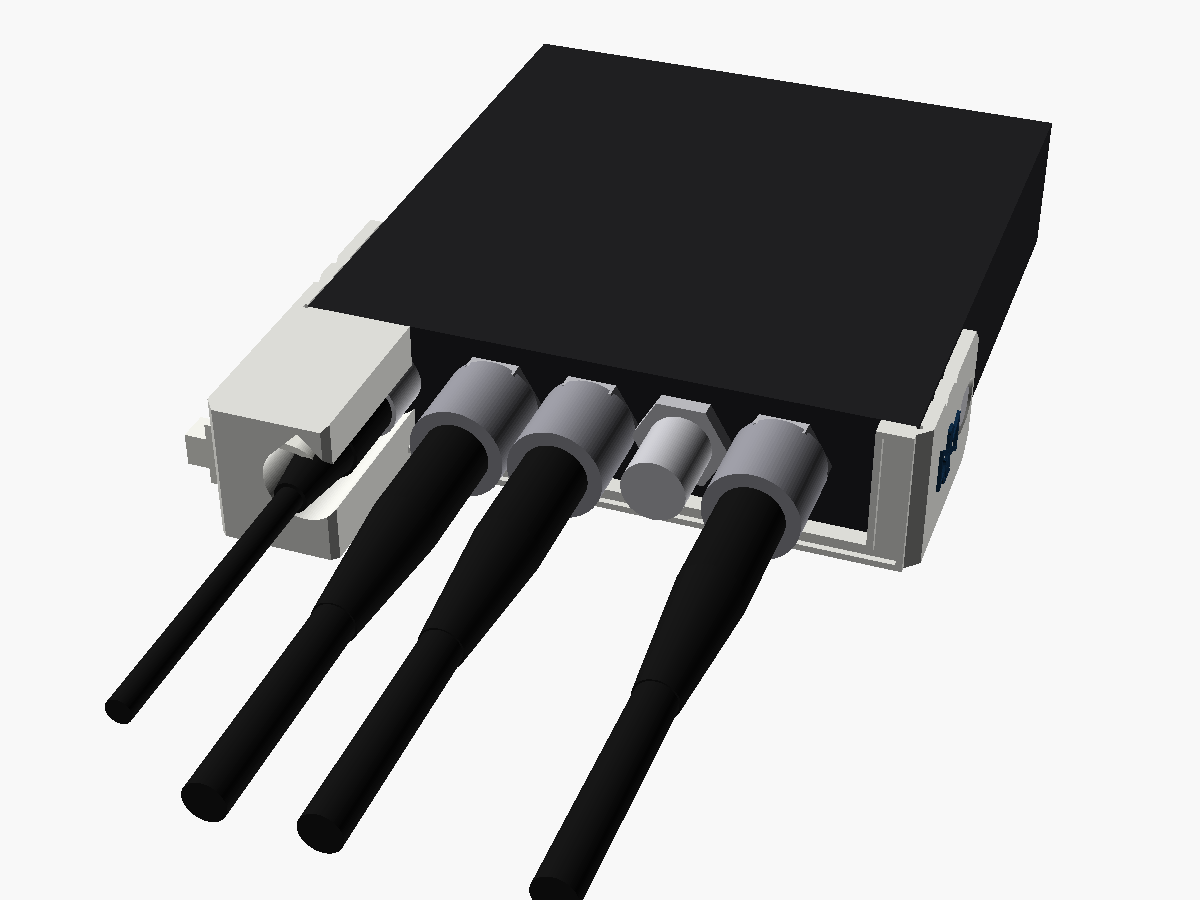
A cover for the power end of Blackmagic's Mini Converter DAs and sync generator, with a tower round the 12 V plug and its boot tied in at the top.
What it does
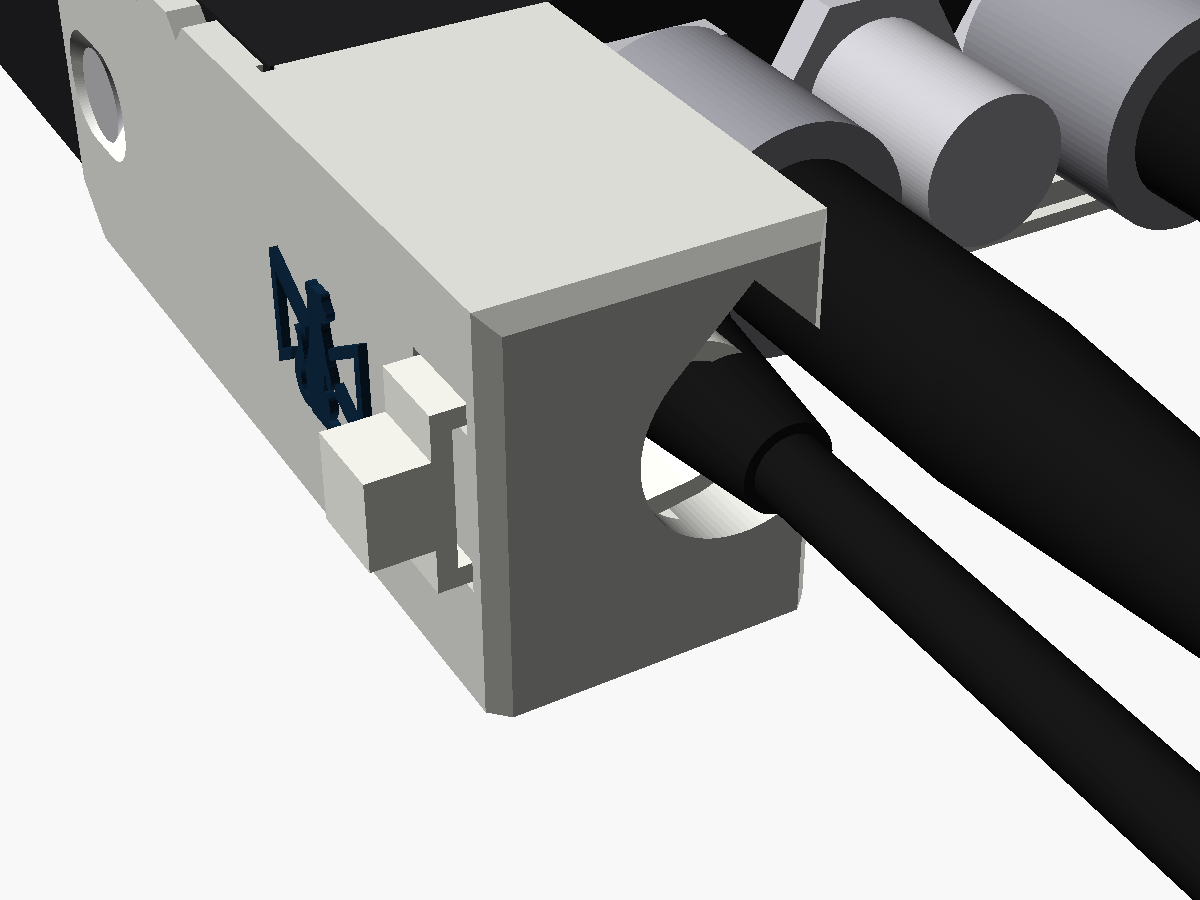
The SDI Distribution, its 4K sibling and the Sync Generator take their 12 V through a plain barrel socket in one corner of a BNC end, with no latch. This guard deals with it the way the BiDi guard deals with a USB-C plug: a plate across the whole end, and a tower round the plug. The plate wraps round both corners into short arms, each taking the case screw nearest the end.
The plug goes into the jack through the tower from the front, so it can be any length. A cable tie through the top of the tower goes round the plug's boot, and from then on a pull on the lead stops at the tower. It stands 28 mm out from the end, well inside the BNC plugs beside it.
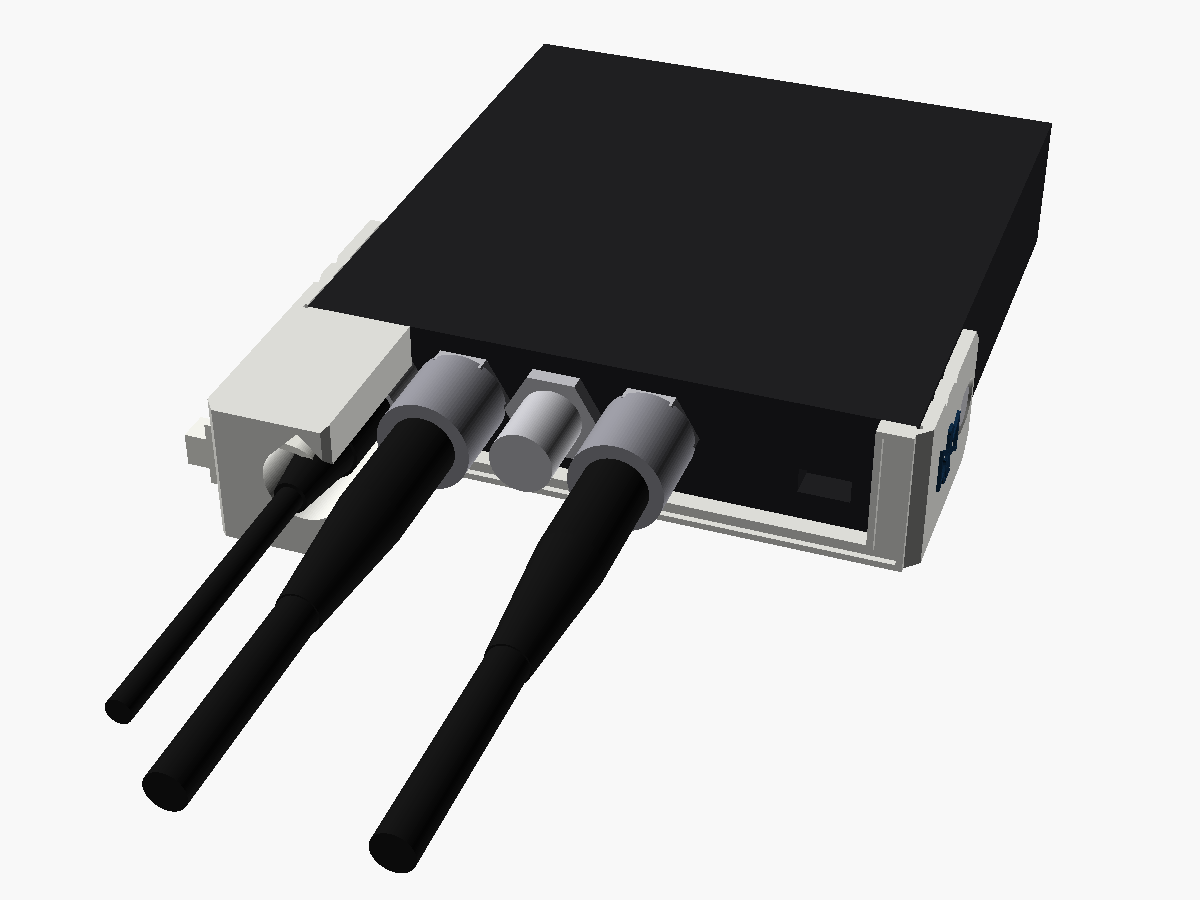
The BNCs on these converters fill most of the end's height, and Blackmagic's pictures don't pin down exactly how high they sit. So for now the plate has one window over all of them, open at the top, with a thin rail along the bottom joining the two ends. It fits whatever their height, and one guard fits all three converters. A version with a hole for each BNC is ready to go once someone has measured a real one.
Where it stands
v0.1. I've modelled it and checked it in software, but I haven't yet printed one and fitted it to a real converter. The steps below are written from the model, and every number for the converter comes from Blackmagic's pictures. Once one has been on a real one, I'll update this page with anything that turned out differently.
Print your own
Fitting it
You'll need
- A Phillips screwdriver
- Two M3 countersunk screws, each 2 mm longer than the side screws you take out
- One cable tie, up to 5 mm wide and 1.5 mm thick. A reusable one with a release tab is kinder to hire stock than one you have to cut off
Check the longer screws fit before the guard goes on. Nothing shows what's behind the side screws, and a screw that's too long could foul something inside the case. Step 2 checks it.
Do this with the converter unpowered.
- Take out the side screw nearest the power end on each side. Leave the other two in; they hold the cover on meanwhile.
- Run one of the longer screws into an empty hole on its own, without the guard. It should go all the way home without forcing. If it stops short, don't force it: put the originals back and let me know.
- Slide the guard onto the power end, an arm down each side, until the plate sits on the case's front edge. Put a longer screw through each arm's slot, and push the guard towards the end while you tighten them. Snug is enough.
- Push the 12 V plug into the jack through the tower, from the front.
- From the tower's outer face, push the cable tie in through one tunnel, round the plug's boot and back out through the other, and close it on the outer face.
- Pull it snug. It holds the boot, so the plug can't be pulled out.
How it holds
A pull on the lead stops at the tie round the boot, the tie pulls on the tower, and the plate and arms pull on the case's two screws. The tower holds the plug straight, so it can't be levered either. The screw holes are slots, ±1.5 mm along the case and ±0.4 mm up and down, so the plate can sit on the case's edge wherever the screws actually turn out to be.
The screws
Blackmagic's manual calls the side screws M3 Phillips, two each side. In Blackmagic's renders the heads sit flush, so I've taken them to be countersunk. I haven't had one apart to check.
Each arm is 2 mm thick and its countersink sits an M3 flat head just under flush, hence screws exactly 2 mm longer. Don't reuse the originals: they'd lose 2 mm of thread.
Tie the boot, not the cable
The tie sits 21 to 26 mm out from the case's edge and pulls whatever is there against the pocket's outer side. On Blackmagic's plug that's the end of the body or the start of the ribbed boot, which ends up 1.5 to 2.5 mm off the jack's axis and doesn't mind. A bare cable would sit 4 mm off and could slide, so check where your lead's boot starts.
The BNCs and the USB port
With the open window the guard stays out of the BNCs' way: it's checked with a BNC plug in every BNC on both models, anywhere from 10.9 to 13.9 mm up. The Sync Generator's USB port is inside the window too.
Blackmagic's own cable tie point, the slot in the top cover above the jack, ends up under the tower. The guard's tie does its job instead.
Will your leads fit?
| 12 V plug moulding | Up to 12 mm across, any length |
|---|---|
| Where the tie sits | 21 to 26 mm out from the case's edge, on the plug's boot |
| Cable tie | Up to 5 × 1.5 mm |
Blackmagic's current supply has a 5.5 × 2.5 mm plug with a knurled locking collar about 10.4 mm across, which fits. On these plain jacks the collar doesn't lock anything.
Taking it off
- Release or cut the cable tie and unplug the 12 V lead.
- With the converter unpowered, take out the two longer screws and slide the guard off.
- Put the original screws back in.
What's been checked
In software only, against the model. Nothing here has been tried on a real part yet, which is what the second list is for.
in software Flush with the case's top and underside, nothing inside the case, and both arms 0.2 mm clear of its sides.
in software A 12 V plug moulding 12 mm across, of any length, goes in from the front.
in software Every BNC on both models, with a BNC plug in it, is clear with the BNCs anywhere from 10.9 to 13.9 mm up, and the Sync Generator's USB plug fits.
in software Both tie tunnels are clear into the pocket, and a screwdriver reaches each screw.
not yet Where the side screws really are, and whether screws 2 mm longer go fully home.
not yet The jack's exact position, and the BNCs' height.
not yet Where your 12 V lead's boot starts, which decides whether the tie lands on it.
Where the numbers came from
Written from scratch, on the BiDi guard's pattern of a plate across the end and a tower round the plug, with arms like the Micro Converter guard's. The numbers are the power clamp's: Blackmagic's renders and top views, and a close-up of a Mini Converter end taken nearly straight on.
More views
Fitted one?
Tell me how it went
If you've put one on a real converter, I'd like to hear about it, good or bad: whether it seated, whether your plug went in, and anything that got in the way.