

What it does
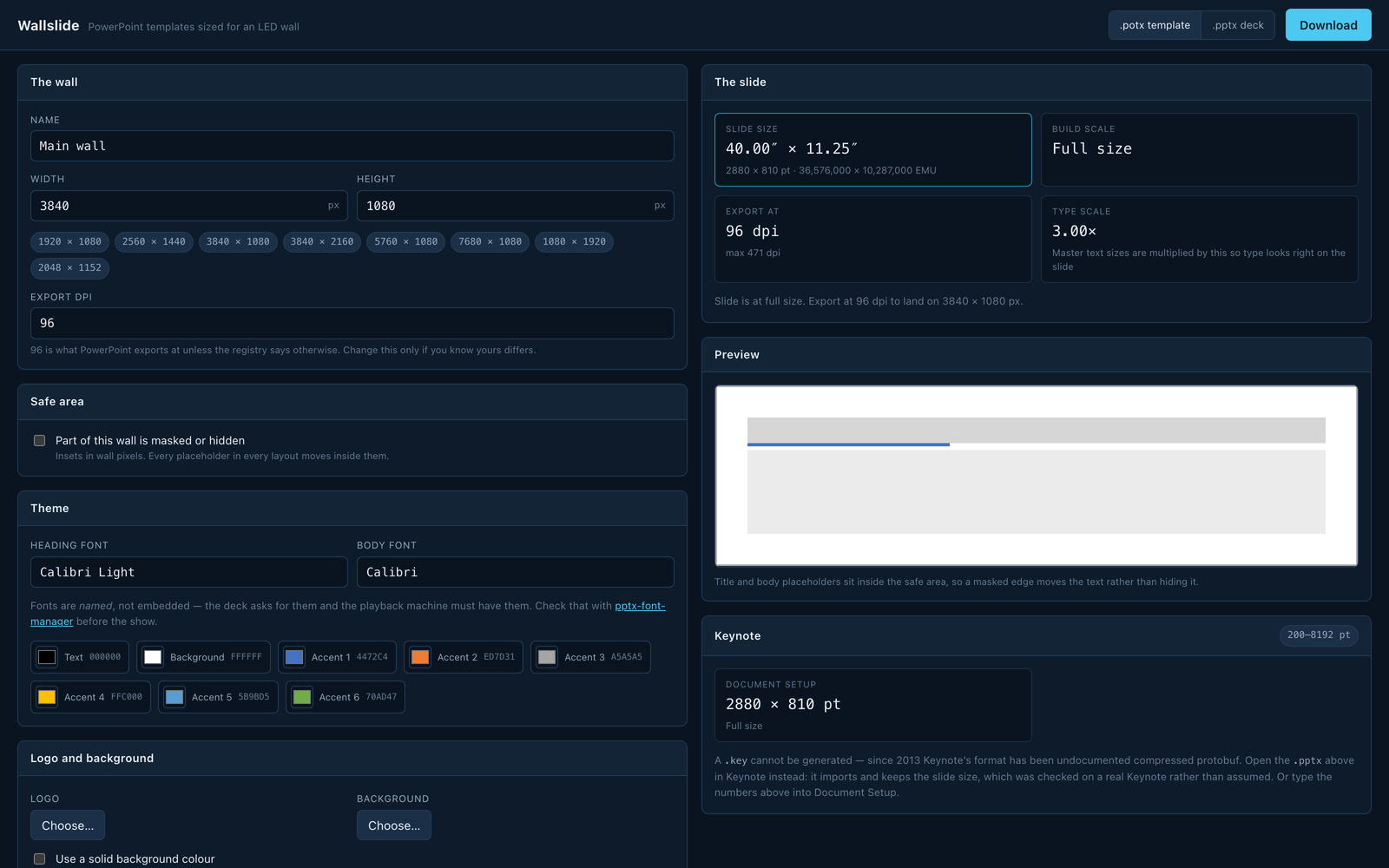
Makes correctly sized, themed PowerPoint templates and test decks for an LED wall. Type in the wall's resolution and it works out a slide the application will actually accept. PowerPoint caps a slide edge at 56 inches, in the file schema itself, so there's no arguing with it, and a 7680 × 1080 wall wants an 80-inch slide it won't make. The answer is to build at half size and export at 2×, and the build scale is always a whole number or a whole reciprocal, because “build at half and export at 200%” is an instruction a person can follow at 2 a.m. and “build at 1/2.37” isn't. Keynote's limits are different, and were measured by asking Keynote until it refused: 8192 pt against PowerPoint's 4032, so Keynote holds the same wall at 1:1 without any fuss. Themes carry the event's own colours, fonts, logo and background, and the optional test deck draws its patterns at the wall's exact raster. It all happens in the browser. There's no backend, so a client's unannounced logo has nowhere to be uploaded to.
Where it stands
In development. Four generated decks have been opened in Microsoft PowerPoint and Keynote on macOS. None raised a repair prompt, PowerPoint reported their slide widths as 40.00″, 20.00″, 11.25″ and 40.00″, exactly the computed values, the .potx opened as a new untitled presentation, and a full-bleed picture measured 2880 × 810 pt on a 2880 × 810 pt slide. Keynote's 200–8192 pt range was measured by asking Keynote until it refused. Every XML part is parsed by xmllint in CI. No deck made by this has been played out to a real LED processor or wall and measured. The slide is the right size, but what a playback machine does with the picture after that is something this can't tell you.