One page for every board we make, and any ESP32 besides.
The CANary, the nanODE and Cuckoo all run on ESP32s, so one browser tab can put firmware on all three: their own releases, or an image of yours on any ESP32 at all. The page reads the board, checks every file, writes it and reads it back, and you don't need Python, ESP-IDF or a driver.
It's a beta, and the page says so first: the checks and the verification are tested against every bundled image, but it hasn't flashed a board end to end yet. It used to be the CANary Flasher; the old address forwards here with the CANary chosen. The boards themselves are on the hardware page.
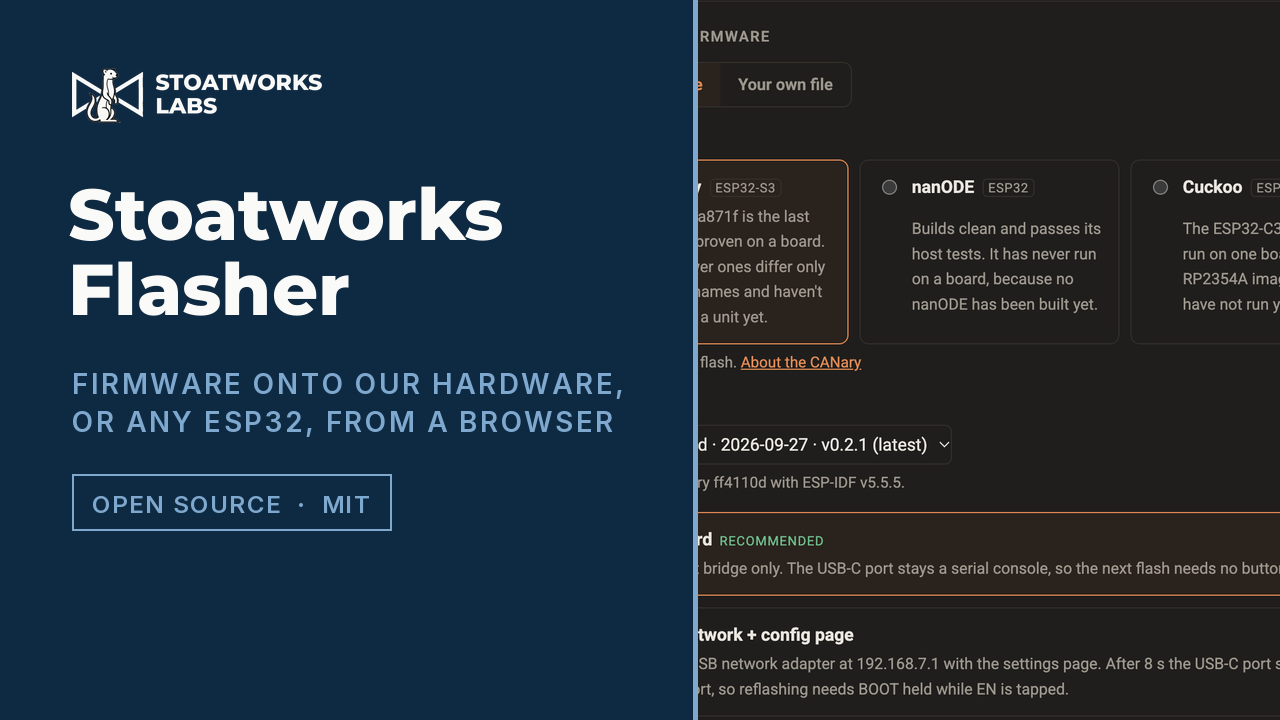
The CANary chosen and its latest release picked: the variants, the downloads, and each part checked against its published checksum before a board is even connected.
What it does
01
Our releases, bundled and checksummed
Pick the device, the release and the variant. Every part is checked against its published SHA-256 before it's listed, and the list says what each part is, read from its own header rather than taken on trust from its name.
02
Or a file of your own
A release zip you kept, a whole-flash image from esptool's merge-bin, or the separate parts of an ESP-IDF build. Each file is identified by its contents and goes where its chip and the partition table say its kind belongs. A filesystem image or anything else it can't place waits for an offset you type, and a lone app gets a blank OTA record beside it, so the board boots what you just wrote rather than whatever it last updated to over the air.
03
It tells you what you're replacing
On connect it reads the chip, the MAC and the flash size, then the partition table, the OTA records and the app descriptor in the slot they point at. So the firmware the board boots now is on screen before anything is overwritten, and a board already running one of ours picks its own device.
04
One gate for every write
The wrong chip, an app from another project, a bootloader off its offset, an app off its partition, overlapping or unaligned writes: all refused by one check. The page runs it, the scripts that bundle and publish releases run it, and the test suite runs it over every bundled image. Burrow runs a port of the same check.
05
Download it once
Every release is a zip, which this page and Burrow both open, and a whole-flash .bin per variant for esptool or Espressif's own tool. They're on each device's GitHub release, pinned to its tag, with a copy on this site, so a board in a field doesn't need the internet.
What to check before a show
01
It hasn't flashed a board yet
That's the beta. What's proven is the image identification, the partition-table and OTA-record parsing, the checksums and the MD5 that verifies each write, all tested against the real bundled images, plus the page driven in a browser as far as connecting. The first end-to-end flash of a real board is still to come.
02
Some firmware lets go of the port
The CANary's network build turns its USB-C port into a network adapter 8 seconds after boot, and then there's no serial port to connect to. Each device's own steps for download mode are on the page once you pick it. Download mode lives in the chip's ROM, which nothing on the flash can touch, so a flash that fails half way is always recoverable.
03
Chrome, Edge or Opera on a desktop
It needs Web Serial, which Safari, Firefox and phones don't have. The page says so rather than failing quietly.
04
Settings survive, unless you say otherwise
A normal flash writes only the parts, so the board keeps its settings. Tick the full erase to bring it back on factory defaults. A whole-flash .bin written with esptool is different: esptool writes every byte of it, blank settings included.
Run your own copy
There's no container for Stoatworks Flasher (beta), so the hosted copy is the one to use.