

idler is the Windows 95/98 screensaver suite, rebuilt as a generator for Resolume Arena and Avenue — eleven savers in one plugin, and again as an OpenFX plugin for Resolve, Nuke and Natron.
| Mystify | Bouncing polygons trailing their own history |
| Beziers | The same motion, drawn as curves |
| Curves and Colors | A spirograph drawing itself on a rotating palette |
| Flying Windows | The four-pane logo streaming out of the screen |
| Flying Through Space | The starfield |
| Scrolling Marquee | A text banner crossing the frame |
| 3D Maze | A first-person walk down brick corridors |
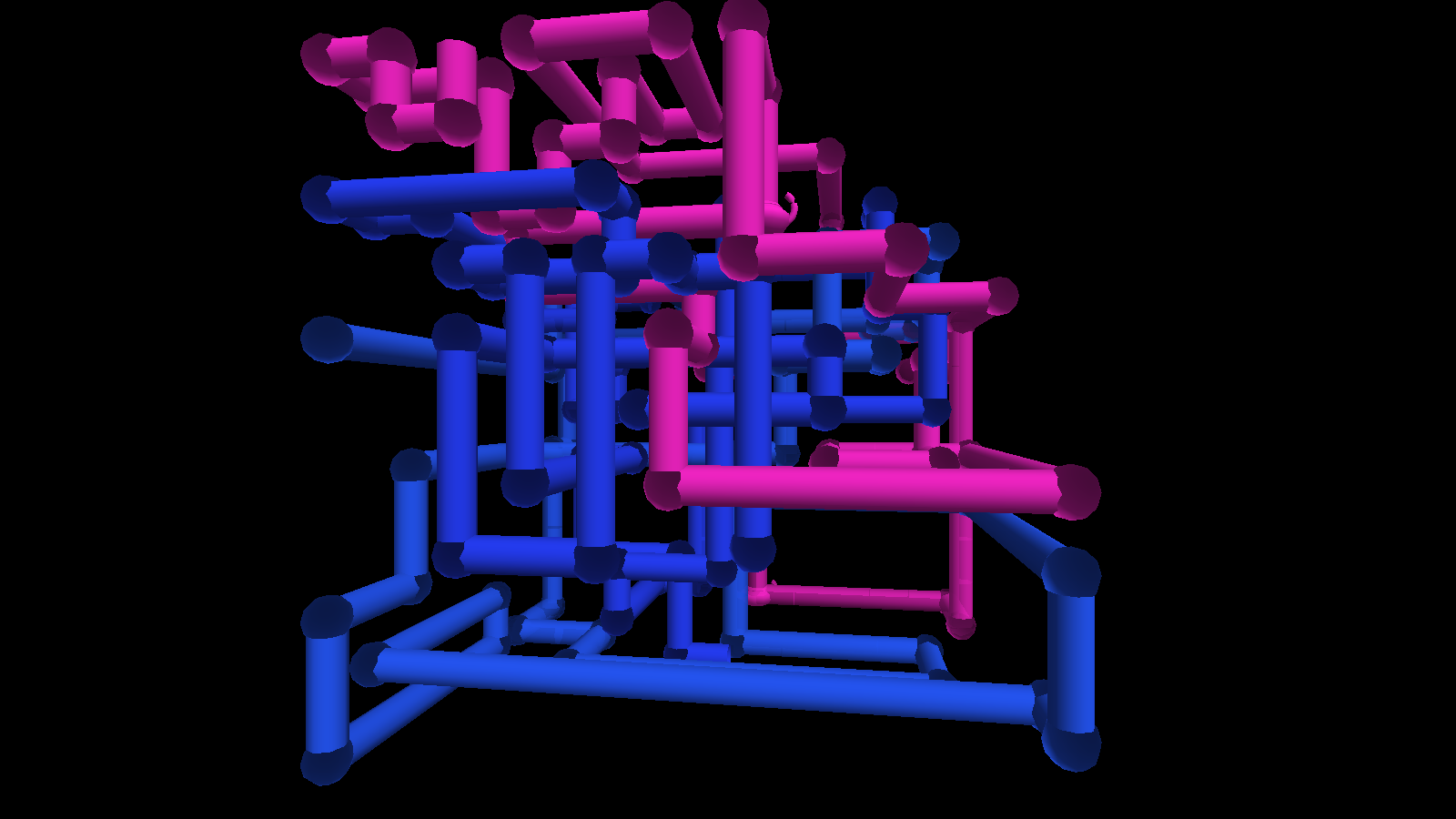
| 3D Pipes | Plumbing growing into a box, teapots and all |
| 3D Flying Objects | Lit solids tumbling past |
| 3D FlowerBox | A polyhedron morphing on the spot |
| 3D Text | Extruded lettering, turning |
Before you rely on this: every saver is verified by a harness that drives the real plugin class in a headless GL context — the mesh each one builds (triangle counts, bounding boxes, indices in range, every normal unit length), that all eleven draw at five different times including zero, and 64 control/context pairs with none dead. For the two savers that grow, a frame reached by replaying the clock is byte-identical to the same frame rendered cold.
Both plugins have been loaded into Resolume and run, and all eleven savers render there. The Windows build is checked in a real Arena 7.27.1 at every release now, rather than only compiled: it loads, both plugins register with the right name, uid and category, and all 39 controls the host reports match the ones declared — name, order, type, range and default. Still untested: bar sync against a real transport, how the parameter groups land in the inspector, and the OpenFX build in a real OFX host. That release check runs on software rendering and on a machine with no sound device, so it says nothing about a vendor driver or about the audio-driven controls. It has never been used on a live show.
This codebase was created with AI assistance, directed and reviewed by a human author.
Installing
Drop both plugins into ~/Documents/Resolume Arena/Extra Effects (or the Avenue equivalent) and
restart Resolume. macOS builds are signed and notarised; the Windows builds are unsigned, but only
the installer trips SmartScreen.
Idler is a source. Idler Mask is an effect that draws the saver over the incoming clip — or reveals, hides or tints the clip through it.
OpenFX hosts
Copy Idler.ofx.bundle into /Library/OFX/Plugins (macOS),
C:\Program Files\Common Files\OFX\Plugins (Windows) or /usr/OFX/Plugins
(Linux). A generator and a matching filter are both in
the one bundle. An OFX host hands a plugin a buffer rather than a GL context, so that build
rasterises in software; the savers themselves are the same code, and the two renderers are checked
against each other. Sync there offers Free and Manual only, because OFX carries no tempo —
Phase is the thing to keyframe.
Start from a preset, not from the dropdown
The first eleven presets are each saver set up the way it actually ran. Picking a saver from the dropdown alone gives you that saver driven by whatever the sliders happen to say, which is often not what it looked like on the machine.
This is not a nicety, it is how the plugin is shaped — see the next section. The remaining presets are looks that were never on anybody’s monitor: a wireframe maze over transparency, a hyperspace starfield, pipes as a tinted overlay.
Seven sliders, eleven savers
Every saver shares one parameter list: seven deliberately generic scene controls — Density, Complexity, Size, Length, Line Width, Variation, Shading — each mapped by each saver to whatever it has that is analogous.
Density is Mystify’s polygon count, the starfield’s star count, and the number of pipes growing at once. It is genuinely a different quantity in each, and that is the trade: the alternative was about ninety parameters of which roughly eighty-two are dead at any moment, plus a saved composition that renumbers itself whenever a saver is added.
Two consequences to expect:
- A preset built for one saver rarely reads well on another. Move between savers by moving between presets.
- Most controls are dead most of the time, by design. Fog does nothing in Mystify, which has no depth; Line Width nothing in FlowerBox, which has no lines; Text nothing in nine of the eleven. A control that appears to do nothing is usually a control that does nothing on this saver.
Colour Mode is the other one worth finding. Classic is each saver’s own palette as it was. Tint, Spread and Cycle put the whole suite under one colour scheme, which is what makes any of it usable behind a band.
Why it cannot drift
Every saver is a pure function of (time, seed). Nothing integrates a velocity, and nothing remembers the previous frame.
That is not a purist’s flourish — it is what makes the plugin usable in a show:
- It cannot drift. Resolume’s frame rate drops when the show gets heavy. A saver that slowed down under load would come apart from the music.
- Beat sync is free. Time is just a number, so handing it the host’s bar position locks the animation with no second code path.
- Phase is scrubbable and keyframable. Drag it and the picture goes where you dragged it — including for 3D Pipes, where the network grows to wherever you put the slider.
The two savers that genuinely grow — Pipes and Maze — get there by deterministic replay from the seed, so the same composition builds the same pipe network on the show laptop and on the rack machine.
3D Maze has no edges. The maze is built around the camera as it walks and dropped behind it, so there is no far wall to reach and no point at which you are re-walking corridors you have already seen. Complexity sets the scale of its structure — 6 to 16 cells between junctions — rather than how big it is, because it does not have a size.
Using Idler Mask
The effect variant is the one that earns its place in a real show. Rather than putting a saver on its own layer and choosing a blend mode, it draws the saver over the clip with the controls on the clip — and the Mask/Mix pair lets the saver reveal, hide or tint the footage instead of merely sitting on top of it.
A wireframe maze used as a mask over a camera feed is a different thing from a wireframe maze over black, and it costs no extra layer.
If it looks wrong
I picked a saver and it looks nothing like I remember. Pick its preset instead. See above.
A slider does nothing. It is probably not live on this saver. Fog needs depth; Line Width needs lines; Text needs one of the two savers that draw any.
The animation slows down when the show gets heavy. It should not — nothing here integrates per frame. If you see it, that is a bug worth reporting.
3D Pipes builds a different network on the other machine. Check the Seed travelled with the composition. Replay is deterministic from the seed and nothing else.
3D Maze or 3D Pipes will not move. Fixed in v1.0.7. Before it, the plugin assumed the host’s
clock started at zero, and Resolume’s does not — it hands over a clock reading days, which put the
two growing savers past their replay limit on the first frame. The maze looked like a walk stuck in
one corridor turning on the spot. If you see it, you are on an older build; the plugin’s log
(~/Library/Logs/idler/) says replay capped when it happens.
Not affiliated with Microsoft
This is an original implementation of screensavers everybody remembers. No Microsoft code, artwork or assets are used or included. The Flying Windows logo is a four-quad gesture toward the mark rather than a reproduction of it, and 3D Pipes’ teapot is generated from a profile curve rather than being Newell’s dataset.