

outrun draws neon synthwave strokes for Resolume Arena and Avenue, as one FFGL effect plugin with an Engine dropdown.
- Engine A — Trace finds the outlines in whatever is on the layer and draws them as continuous glowing neon tubes — and then lets them break away from the real geometry.
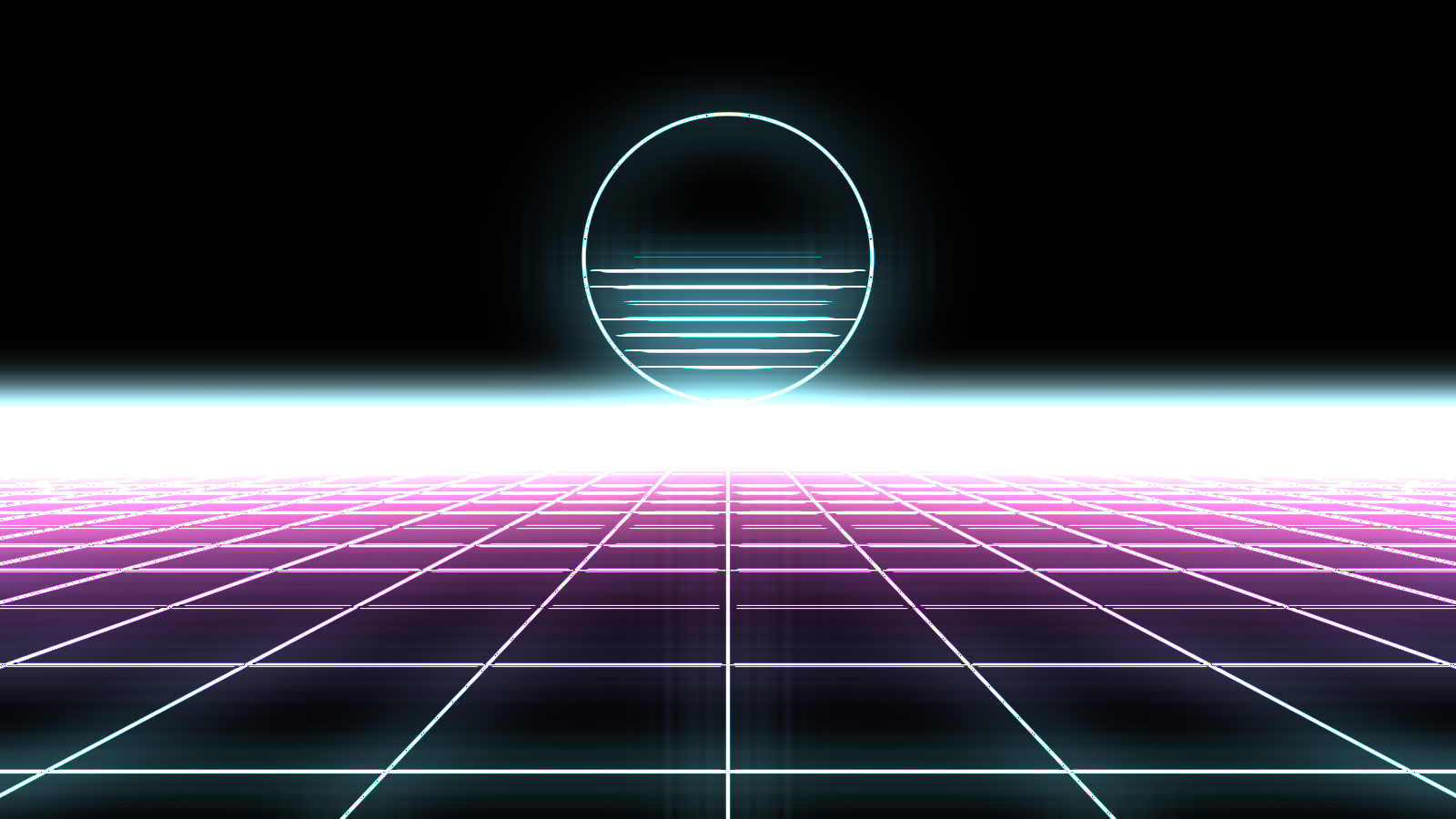
- Engine B — Paths generates neon paths from nothing: the perspective grid with its striped sun, tunnel rings, hex lattices, circuit traces, a city skyline over folded mountains, a spinning star, a Lissajous figure — or the routed audio as a mirrored oscilloscope trace.
Before you rely on this: the palette lookup is mirrored in C++ and checked against the GLSL that ships. The path and breakaway maths is GPU-only and has no mirror, so it is proven instead by contact sheets that render every path and every break mode and assert each one is live and distinct from its neighbours, plus a control sweep that fails if any parameter turns out to do nothing.
That is a weaker guarantee than a numerical mirror, and worth knowing: it establishes that each mode does something different from the others, not that any one of them is arithmetically correct. Try it on a spare layer before a show.
This codebase was created with AI assistance, directed and reviewed by a human author.
Installing
Drop the bundle (macOS) or the DLL (Windows) into Resolume’s plugin folder and restart:
~/Documents/Resolume Arena/Extra Effects (or "Resolume Avenue")The released macOS builds are Developer ID-signed and notarised, so they load with no Gatekeeper step. The Windows builds are unsigned and SmartScreen warns once — see UNSIGNED.md, which also covers a bundle you build yourself.
“Outrun” appears under Effects. Engine B needs any clip under it — a solid black clip works, and the Background modes decide whether that clip shows.
Two engines, one plugin
Engine is the first control to set, because it decides what the rest of the parameter list means.
Engine A traces the clip. It is an edge detector feeding a neon tube renderer.
Engine B generates paths from nothing at all. The clip underneath is only there because FFGL wants one.
Engine A: get the outline right first
Everything downstream is lighting an outline, so set the outline before touching anything else — and set it while you can see it. Put the background on Edges, which shows the raw mask with no tubes, no colour and no glow in the way.
| Detect On | Which channel counts as an edge. Luma for footage; Alpha for a logo delivered with transparency, whose alpha channel is already a perfect outline. |
| Sensitivity | How strong a boundary has to be to count. |
| Softness | How abrupt the threshold is. |
| Detail | What scale the detector works at. Low finds sensor noise; high finds the shape of a logo and ignores the texture inside it. |
| Stability | How long an edge survives a flickery frame. This is the one that makes it usable on video rather than only on stills. |
Then set Trace, which decides how colour runs along the outline, and put the background back where you want it.
Breakaway: the reason the effect exists
Break Amount at 0 is the faithful outline. Wind it up and the strokes leave the real geometry for a synthetic pattern:
- echoes drifting outward from the shape;
- outlines snapped to 45° technical linework;
- scanline glitches;
- a flow field;
- comet rays.
Because it morphs rather than switches, the useful settings are usually in the middle — recognisably the logo, but coming apart. Spread controls how far the copies go, and there is a per-copy palette shift so the echoes are not all one colour.
Engine B: the paths
The perspective grid with the striped sun, tunnel rings, hex lattices, circuit traces, a city skyline over folded mountains, a spinning star, a Lissajous figure, and Waveform — the routed audio drawn as a mirrored oscilloscope trace.
Each has a size, a density and a horizon position.
Stroke and colour
Width is the tube’s thickness in pixels, so a stroke is the same weight wherever it lands in the frame. Core is how much of the tube saturates to white — that hot centre is most of what reads as neon rather than as a coloured line.
Colour comes from sixteen authored synthwave palettes, from two swatches of your own, or from the clip’s own colours along its own outline — that last one is the interesting option on Engine A, because a logo lights its own edge in its own brand colours. Spread is how many times the palette is laid along a run.
Tempo and audio
Tempo runs free, locks to Resolume’s beat or bar, or goes manual — and manual is the mode to reach for when you want Resolume’s own BPM-synced animation, a keyframe or a MIDI fader driving Phase.
Route audio into the Audio picker, then:
- Audio Level lays the spectrum along the strokes as a brightness gate.
- Audio Break lets the bass shove the strokes off the geometry — the breakaway, driven by the track.
- The Waveform path draws the spectrum itself.
Audio Break is the one worth spending time on: it ties the effect’s biggest gesture to the loudest part of the mix, which is a different feel from a brightness pump.
If it looks wrong
Engine B renders nothing. There is no clip under it. Put a black clip on the layer.
The trace finds confetti, not an outline. Raise Detail so the detector works at a coarser scale, then raise Sensitivity. Judge both on the Edges background.
A logo with transparency traces badly. Set Detect On to Alpha. Its alpha channel is already a clean outline, and running a brightness detector over it throws that away.
Everything flickers on video. Raise Stability, then Detail — most edge flicker is the detector finding texture rather than shape.
It reads as coloured lines, not neon. Raise Core. The white-hot centre is the effect.
Nothing responds to the music. Nothing is routed on the Audio picker, or Audio Level and Audio Break are both at zero — they start there deliberately.