

Scopes is waveform, vectorscope, histogram and picture assist as a single FFGL effect for Resolume Arena and Avenue. Drop it on a layer and it measures whatever is arriving at that point in the chain — either replacing the picture or sitting over it.
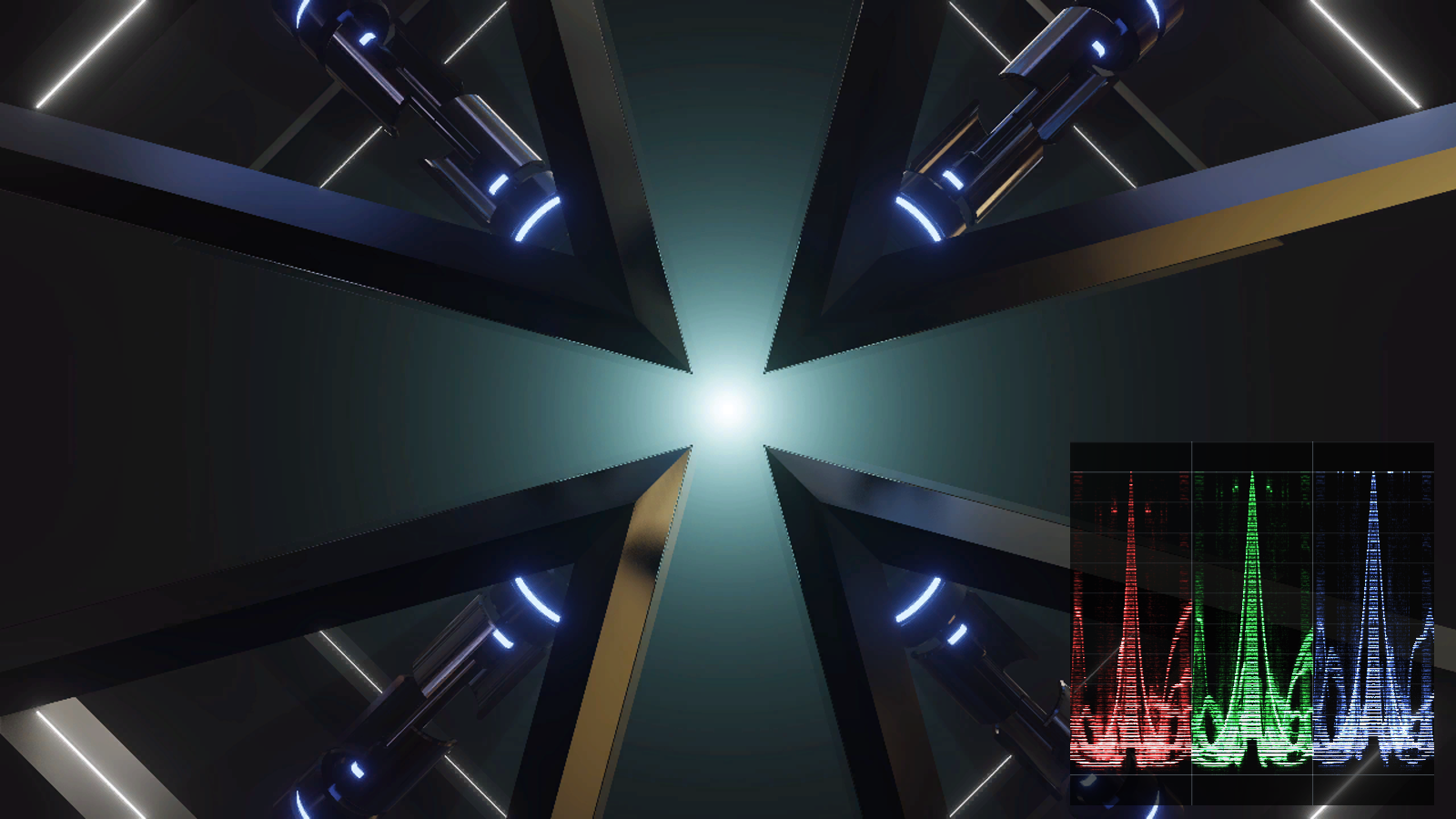
| Scope | Modes |
|---|---|
| Waveform | Luma · RGB parade · Y Cb Cr parade |
| Vectorscope | 75% / 100% targets, 1× to 8× zoom, skin-tone line |
| Histogram | RGB · Luma · RGB + Luma, 256 bins |
| Picture Assist | False colour · Zebra · Focus peaking |
Before you rely on this: every scope reports the right number against 75% and 100% colour bars, in BT.601, BT.709 and BT.2020. The waveform trace lands on each bar’s luma to within 0.08 IRE — which is the readback’s row quantisation rather than the maths — the vectorscope trace lands within 1.2 px of each derived target box, and the histogram spikes in the right bin for all seven bars and nowhere else. All 19 parameters measurably affect the output.
It has never been loaded into Resolume. Parameter groups, the option dropdowns, Arena’s real texture sizes and — most importantly — whether the input really is premultiplied are all unconfirmed, and those are exactly what an offline harness cannot tell you, because it supplies its own textures. The Windows build has never been compiled, and no performance figure has been taken.
This codebase was created with AI assistance, directed and reviewed by a human author.
Read this before you trust a reading
A scope in Resolume never sees a video signal. It sees whatever RGB the engine has in the texture by the time the effect runs — and by then three decisions have already been made and thrown away:
- which matrix took the clip from Y’CbCr to RGB (BT.601, BT.709, BT.2020),
- whether studio-range levels (16–235) were expanded to full range,
- whether the colour has been multiplied by its alpha.
None of them is recorded in the pixels, and every one of them changes the reading:
| Mistake | What you see |
|---|---|
| A BT.709 clip read as BT.601 | Every vectorscope target about 5.7° off its box |
| Studio levels not expanded | Reference white at 92 IRE |
| A clip at 50% layer opacity | Reads a stop down |
Each of those looks like a mildly misadjusted picture rather than a measurement error, which is exactly what makes it dangerous.
So Matrix, Range and Unpremultiply are parameters, and this plugin guesses at none of them. That is not a gap — a scope that silently picks an interpretation is a scope that is confidently wrong about half the time. Set them to match your source.
The defaults are BT.709, full range, unpremultiply on, which is what a modern composition on a modern machine usually is. They are still defaults, not detection.
Installing
macOS    ~/Documents/Resolume Arena/Extra Effects/
Windows  %USERPROFILE%\Documents\Resolume Arena\Extra Effects\
The macOS builds are signed and notarised. Drop the effect on the layer you want to measure — where in the chain you put it is the measurement, since it reads what arrives at that point.
The four scopes
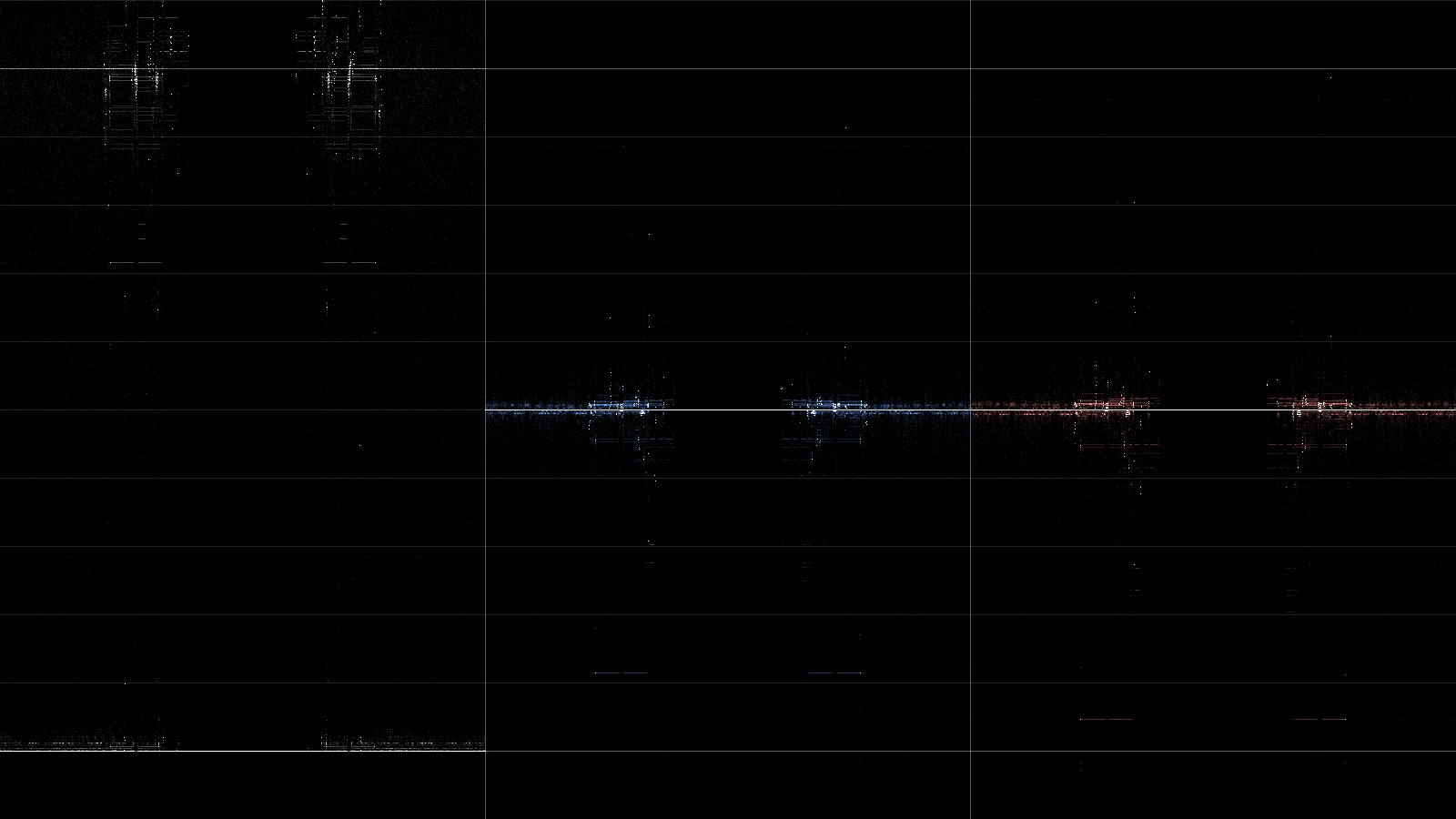 |
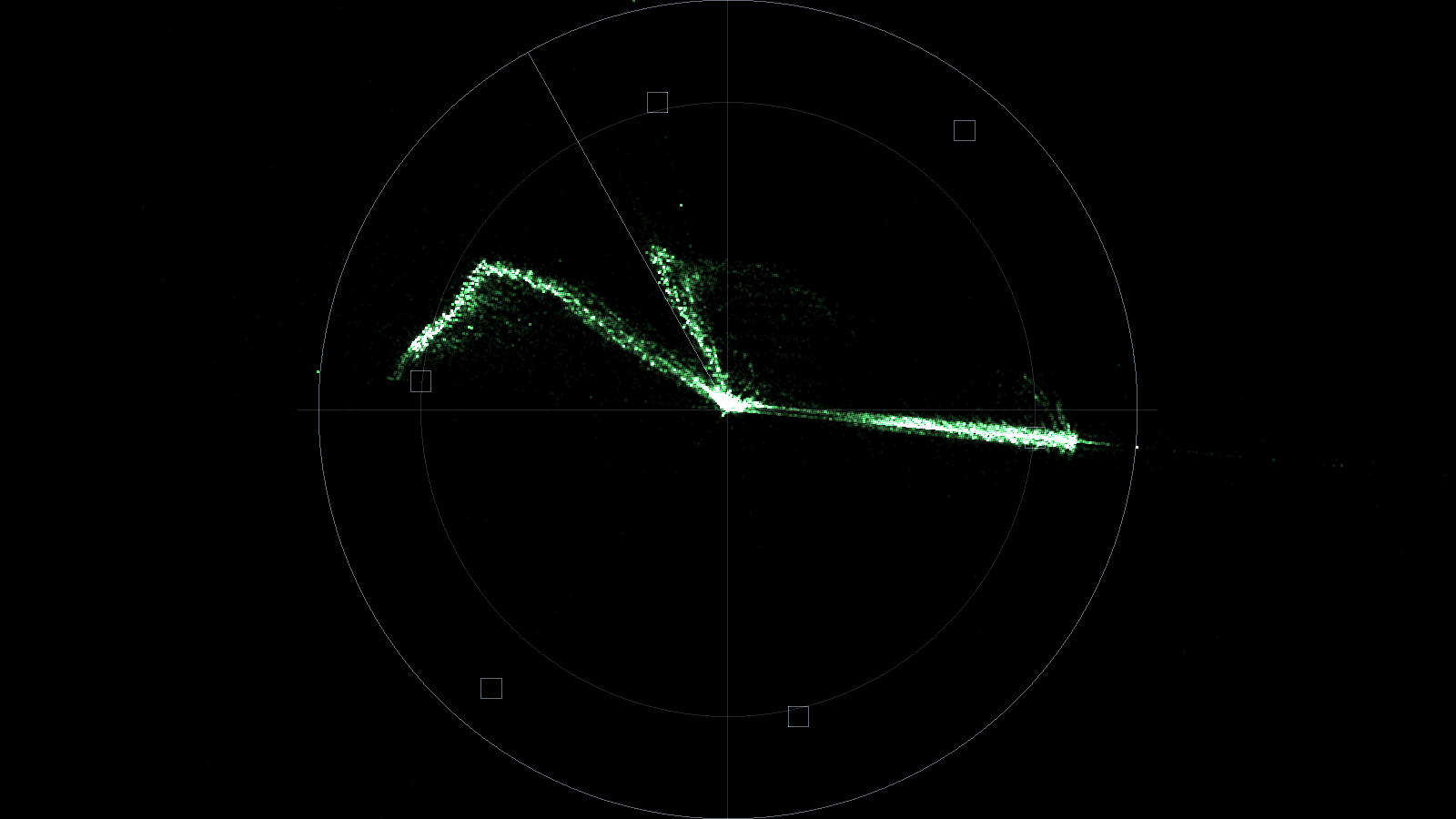 |
| Y Cb Cr parade — luma, then the two colour differences centred on chroma zero | Vectorscope — target boxes and the skin-tone line, both derived from the selected matrix |
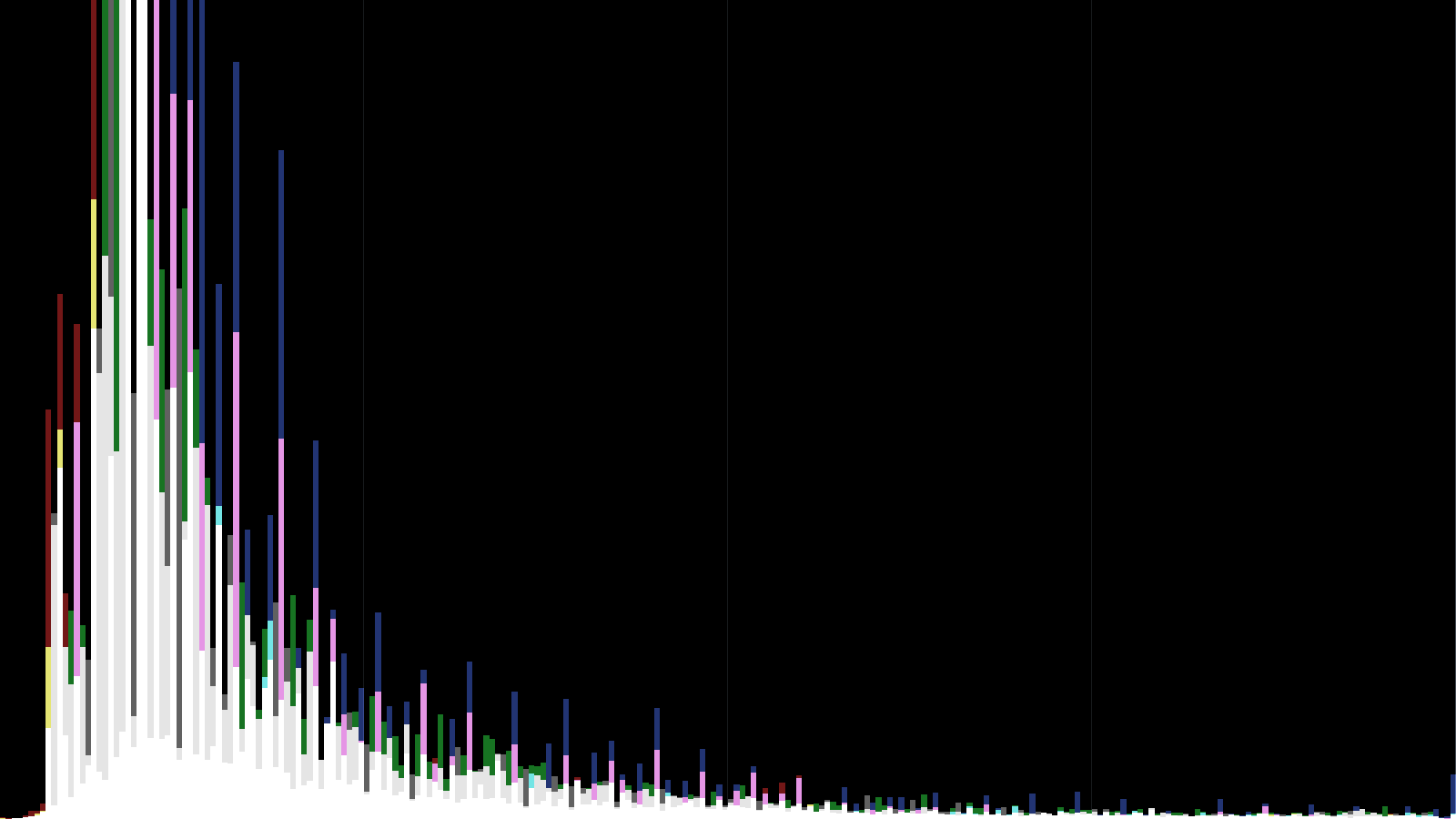 |
 |
| Histogram — RGB and luma together; overlaps add, so white means all four agree | False colour — the exposure scale, from crushed blue through to clipping |
The graticule is built from the same colorimetry module the shader plots with, so the targets move when you change Matrix. That is the useful property: put colour bars up, choose the vectorscope, and switch Matrix — targets and trace move together, and a mismatch looks plausible rather than obviously wrong.
The controls
Scope — which scope, its mode, trace Intensity, vectorscope Zoom, and Quality (how many source pixels get measured).
Intensity is a density control, not a brightness. The trace is drawn additively, so it says how much one sample contributes and therefore how many coincident samples it takes to saturate. It is normalised against the sample count, so changing Quality changes the resolution of the measurement without changing how bright the trace looks.
Layout — Scope Only replaces the picture; Overlay draws the scope over it at a Size, X, Y and Opacity you choose. Picture Assist ignores all of these: it is the picture with a different shader on it, not a rectangle on top of one.
Graticule — brightness, 75%/100% Bars targets, and the scope’s Background. At Background 0 the scope has no backdrop and composites over whatever is on the layers below.
Signal — Matrix, Range, Unpremultiply. See above.
Assist — one Assist Level, which means the zebra threshold in IRE when Zebra is showing and the gradient threshold when Focus Peaking is.
If it looks wrong
Every vectorscope target sits just off its box. Wrong Matrix. About 5.7° is the BT.709 against BT.601 signature.
Reference white reads 92 IRE. Studio-range levels that were never expanded. Set Range.
Everything reads a stop down. Layer opacity below 100%, or Unpremultiply set wrongly for this source.
The trace is a solid block. Intensity is high for the number of coincident samples. Wind it down; it is a density.
The effect does nothing at all. That is what a shader that would not compile looks like from the operator’s side, with no message anywhere. The log names the stage, and records the GL vendor, renderer and version next to it:
~/Library/Logs/resolume-scopes/