

Lithophane
The clip carved into a backlit porcelain plate, for Resolume
What it does
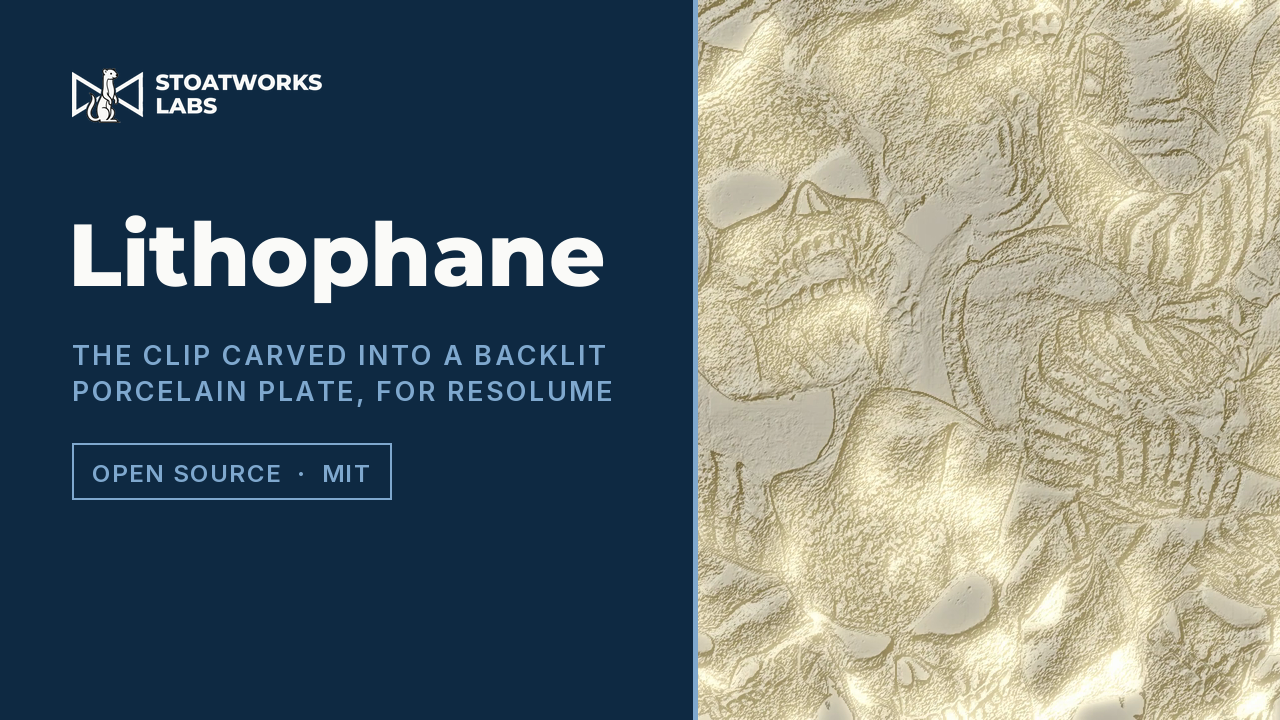
One FFGL effect for Resolume Arena and Avenue: SW Lithophane turns your clip into a lithophane, the nineteenth-century plate of unglazed porcelain whose picture only appears when a lamp is behind it. The plate is thick where the clip is dark and thin where it is light, 0.8 to 3 mm by default, as a printed lithophane generator would carve it.
Nothing is drawn. Each column of the plate passes exp(−k d) of each colour, with k measured for three Japanese porcelain bodies (or a printed White PLA), red further than blue, so a white lamp comes through creamy and the thick shadows go warm. The light scatters inside the porcelain, so every point of the lamp side comes out of the front as a soft spot whose size follows the multipole diffusion profile of the thickness it crossed: dark detail is blurred more than bright detail as well as darkened.
Turn Back Light down and Front Light up and the same plate is lit from the room: the carving catches the light by Lambert's law from a lamp you place with Light Angle and Elevation, and thin places, which let more of the dark room through, read a little darker, so the relief carries a faint negative of the picture. Relief Side only matters in front light.
- Your clip carved into a porcelain plate, thick where it is dark: Linear Depth (3dp.rocks' law) or Linear Light (Cura's)
- Per-channel absorption from measured porcelain bodies (Sugiyama et al.), or White PLA for a printed lithophane
- Scattering blur that grows with the plate's thickness, from the multipole diffusion model
- A front lamp that shows the carved relief by Lambert's law and the plate's faint negative
- Plate Width, Thinnest and Thickest to set the plate's scale; Back Light's default set on Resolume's own demo clips
- No state between frames: nothing moves unless the clip does
- Universal macOS bundle and Windows x64 DLL
Where it stands
v0.1.0, and early days. In Resolume Arena 7.29.0 on a Mac it loads with every control as declared and, over a still test card, holds perfectly still and changes the picture with every control; Relief Side changes nothing under back light alone, as the model says. On Windows it loads, registers and renders in Resolume Arena 7.27.1 on software rendering (no GPU), with every control as declared, Arena's log clean and all twelve controls changing the picture. Neither has been through a show. Everything else is measured offline, by a harness driving the real plugin on a Mac: each channel's light falls with the measured porcelain's coefficient to four decimals, the blur's radius matches the diffusion model's prediction to the third decimal at every thickness tried, and the front-lit relief follows Lambert's law to a millionth. It catches sixteen models broken on purpose and fifty-four one-character sabotages of its own code. It has never been compared with a real lithophane: White PLA's numbers, how light crosses between thick and thin parts of the plate, and which face is carved are chosen, not measured; White PLA comes out over-blurred; the front light casts no shadows; and Back Light's default, set for porcelain on Resolume's demo clips, clips about half of them in red. Through it, a dark clip's small flickering lights can come out as flashing: at the defaults one of Resolume's demo clips went over photosensitivity guidance, and the guide has the table. There's a user guide and a browser demo, but no presets. Try it in your own rig before you trust it in a show.
Watch it running
Nothing loads from YouTube until you press play.Watch it there instead