Make the show Mac behave like yours, then leave it how you found it.
Pick your trackpad, pointer, Dock, menu bar, wallpaper and hot corners once, and the page gives you one line to paste into Terminal on any Mac. It writes down every value before it changes it, and one more command puts the Mac back the way it was.
An early preview. I've tested it in a macOS 26.5 virtual machine and not yet on a real show machine. mymac itself needs nothing installed and no admin password, and apart from Show Mode, if you ask for it, the script only changes the logged-in user's own settings. The profile lives in the link, so the site stores nothing and has no accounts. The source is on GitHub.
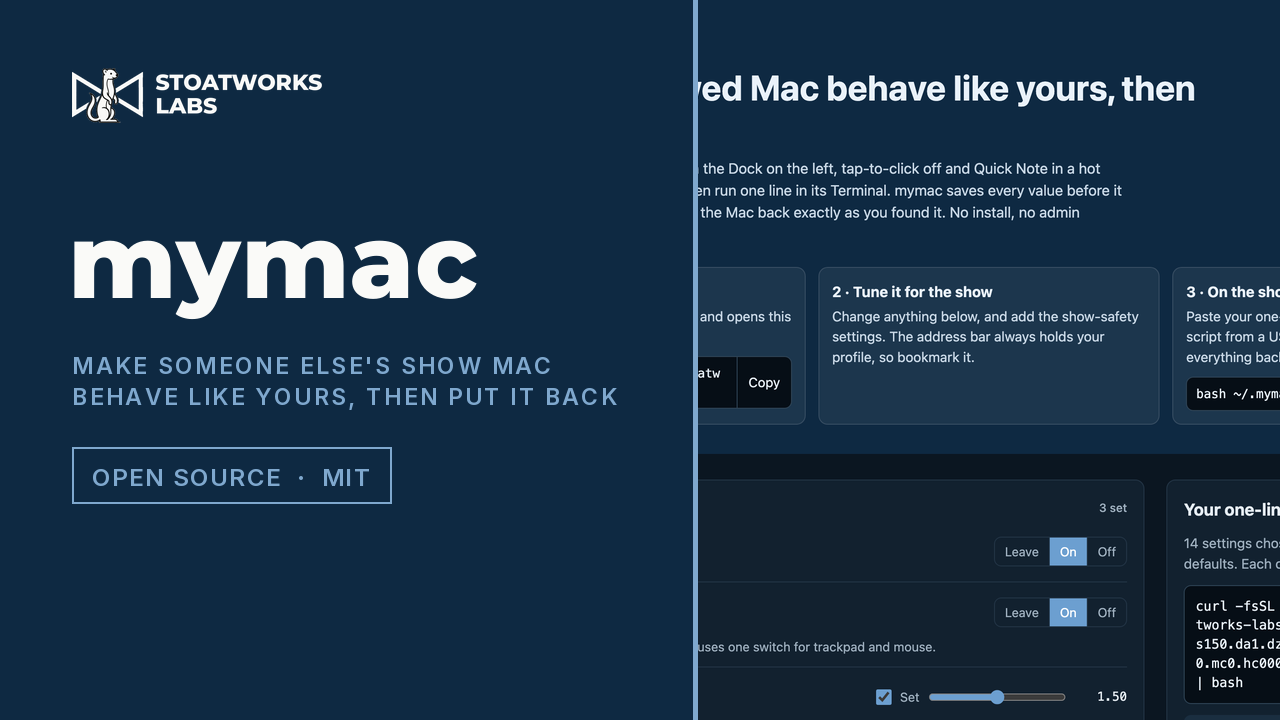
The builder with a show profile filled in, Show Mode included, and the box for taking the script over on a USB stick when the show Mac has no network.
What it does
01
One line on the show Mac
The point
Your profile is a short code in the address bar, and that same address handed to curl returns a bash script. Paste the line into Terminal and it applies all of it, then restarts only what has to restart for the change to show: the Dock, Finder, Control Centre or the window manager. It's wrapped so a download cut off half way runs nothing at all.
02
Everything goes back
Before each change it reads the key's current value and type and writes a line to ~/.mymac/restore.sh, and a key that was unset gets deleted again on the way out. Run it twice and the first snapshot stays. bash ~/.mymac/restore.sh puts every value back, stops anything it started, restarts the same things and deletes ~/.mymac, so the next person finds the Mac as you did.
03
Read your own Mac first
Run the capture line on your own Mac and it reads your trackpad, Dock, keyboard and the rest, changes nothing, and opens the page with them filled in. Tune it for the show and bookmark it: the address is the whole profile.
04
The show-safe pack
One button adds the settings that stop a show Mac doing anything clever: hot corners off, no screen saver, the Mac and displays kept awake until restore, alert sounds off, AirPlay Receiver off, crash reports as notifications rather than windows, and a black wallpaper on every screen.
05
For a Mac set up strangely
Tick 'Everything I left alone goes back to macOS defaults' and every setting you didn't choose is reset as well. Where macOS's own default depends on the Mac (tracking speed, Dock size, key repeat), the key is deleted so macOS picks. The show-safety settings are never reset that way.
06
Look before it changes anything
Add --dry-run and it lists what it would change and changes nothing. It works the same on the one-liner and on the downloaded file.
07
No network on the show Mac
Download mymac.sh makes the same script in your browser, so you can take it over on a USB stick. In Terminal, type bash and a space, drag the file onto the window and press Return. Apart from fetching Show Mode, nothing in it needs the network: even the black wallpaper is inside the script.
08
Show Mode, if you want it
Show Mode is my menu-bar app that holds a show Mac still until you end the show. One setting installs it, from its disk image if that's on the stick beside mymac.sh, or else the latest release from GitHub, checked against GitHub's checksum. It only goes in if it's signed with my developer certificate and Gatekeeper accepts it. Restore quits it and then removes what mymac installed. If Show Mode was already on the Mac, mymac opens it, restore quits it, and it stays where it was.
What to check before a show
01
Tested in a virtual machine so far
I've run it end to end in a macOS 26.5 virtual machine: a full apply then restore put back all 107 preference keys mymac can touch, and the wallpaper store came back byte for byte. Show Mode installed in the same VM from GitHub, and from a disk image on a stick with GitHub blocked, and restore quit it and removed it both times. I haven't tried that on an account that can't write to /Applications. The VM has no trackpad, so I haven't felt the trackpad changes live, and I haven't used it on a real show machine yet. I've only tried it on macOS 26.
02
Two things macOS may stop
Pointer size lives in a preferences domain macOS protects, and Terminal may be refused it. Menu bar auto-hide and light or dark appearance go through System Events, so macOS asks once whether Terminal may control it. Either way the run marks that setting as failed, says what to do about it, and carries on with the rest.
03
Some changes wait for a logout
Pointer size, shake to find and separate Spaces per display need a logout to show fully, and keyboard repeat, smart quotes and scroll bars take effect as apps reopen. The run lists both. It restarts the Dock and Finder, so don't run it mid-show.
04
Show Mode goes first on the way out
Restore quits Show Mode before it puts anything else back, so Show Mode can undo its own changes first. If it won't quit, or can't finish undoing them, restore stops without changing anything and says what to do: end the show from Show Mode's menu, quit it, and run restore again.
05
What a script can't reach
Do Not Disturb, display arrangement and mirroring, and the sound output device are out of reach, and every run ends with a reminder to check them. For a Mac you look after yourself, Show Mode is the app that holds Do Not Disturb, locks the display arrangement and keeps the cursor off the audience's screens for the length of a show. On a borrowed one, the Show Mode setting installs it for the visit and takes it off again afterwards.
Run your own copy
There's no container for mymac (preview), so the hosted copy is the one to use.
It needs a small Cloudflare Worker beside its static page, since the Worker is what turns the code in the address into the script curl downloads. Its README runs both locally with wrangler.