

Pinhole
A diffracting pinhole camera, for Resolume
What it does
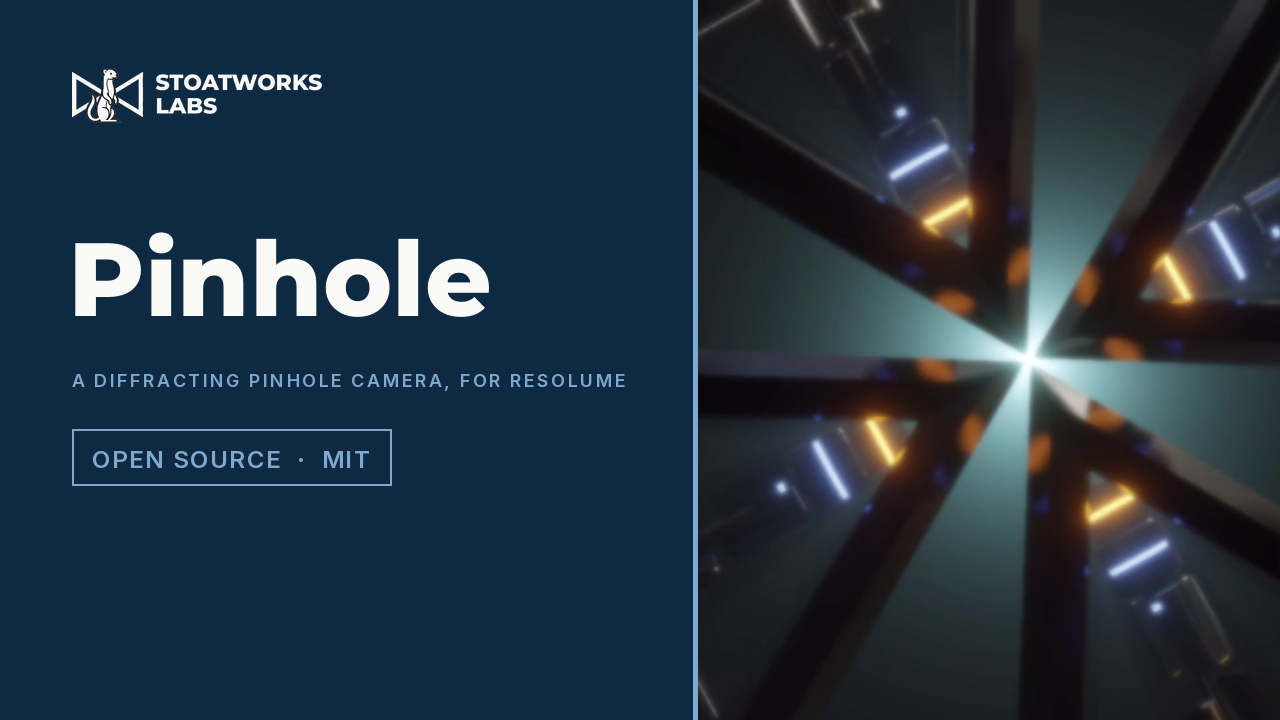
An FFGL effect for Resolume Arena and Avenue, SW Pinhole: a pinhole camera and camera obscura looking at your clip. The clip is the scene, and a hole in a thin plate throws it onto a screen 24 mm tall. Choose the hole's diameter, from 0.1 to 2 mm, and its distance from the screen, from 10 to 500 mm, or swap the hole for a Fresnel zone plate of 1 to 16 open rings made to focus one wavelength.
The hole does not blur a sharp picture; it makes the picture by diffraction. Every point of the scene lights the screen with the Fresnel pattern of a round hole, one pattern per wavelength, and the picture is the sum of those patterns, computed from the Fresnel integral over the hole's open rings and checked against Lommel's tables as Rayleigh printed them in 1891. So the picture is sharpest at one hole size, Mielenz's optimum, and softer either side of it: a smaller hole spreads light by diffraction and a larger one by its own shadow. Small holes spread red further than blue, a faint veil of light comes from the patterns' outer rings, and the corners darken as cos⁴ of the angle off the axis.
A zone plate focuses harder, but one colour at a time: the colour it is made for comes sharp, and the others land around it as soft coloured light. View turns the picture 180° as on the wall of a camera obscura, and Edge chooses whether the scene carries on past the frame or sits on a black wall. It costs about 5 ms of GPU time a frame at 1080p on an Apple Silicon Mac, whatever the blur; at 4K the largest blur takes about 18 ms, more than a 60 fps frame.
- The picture made by Fresnel diffraction through a round hole, one pattern per colour band, not a blur drawn on top
- Sharpest at Mielenz's optimum hole, softer either side, red softer than blue for small holes
- A Fresnel zone plate of 1 to 16 open rings, focusing the colour it is made for in a glow of the rest
- Corners that darken as cos⁴ of the angle off the axis: hard for a short box, barely for a long one
- Upright or Obscura (turned 180°), and an edge that mirrors the scene or meets a black wall
- The same picture at 720p and 4K: the screen is 24 mm tall at every raster
- Universal macOS bundle and a Windows x64 DLL
Where it stands
v0.1.0, and early days. It's measured by an offline harness driving the plugin's own code on an Apple Silicon Mac, at two rasters and on Apple's software renderer: its light pattern reproduces 69 of the 80 values of the tables Rayleigh printed in 1891, a big hole's edge spreads as a disc does and a small hole's as diffraction predicts, a point's image is tightest within 1.0-1.5% of the best hole the literature gives, and the corners fall as cos⁴ to 0.03%. It catches seventeen models that are wrong on purpose and all fifty-one one-character sabotages of its own code, and all 9 controls change the picture. In Resolume Arena 7.29.0 on a Mac every control was there with its default and changed the picture, the hole sharpest at the default, and on Windows, in Arena 7.27.1 with no GPU, it loaded with every control as declared and every control changed the picture; but only over still pictures: no moving clip and no show yet. A lone point of light on black changes shape slightly as it moves at large blurs, mostly in its faint rim; it didn't show on a real clip. At 4K the largest blur takes about 18 ms of GPU time a frame, more than a 60 fps frame. The screen's size, the colour bands, the cut at 99% of each pattern's light and the meter behind the Exposure default are chosen rather than measured. Open questions the guide lists: whether Resolume hands effects straight or premultiplied colour, and one pattern serving the whole frame. At its default Exposure it only flashes where your clip does, but raising Exposure turns a clip's own pulses up, so a pulsing clip can flash through it: the guide has the measurements. The macOS build is Developer ID-signed and notarised. There's a user guide and a browser demo, but no presets. Try it in your own rig before you trust it in a show.
Watch it running
Nothing loads from YouTube until you press play.Watch it there instead