LivePremier Plus
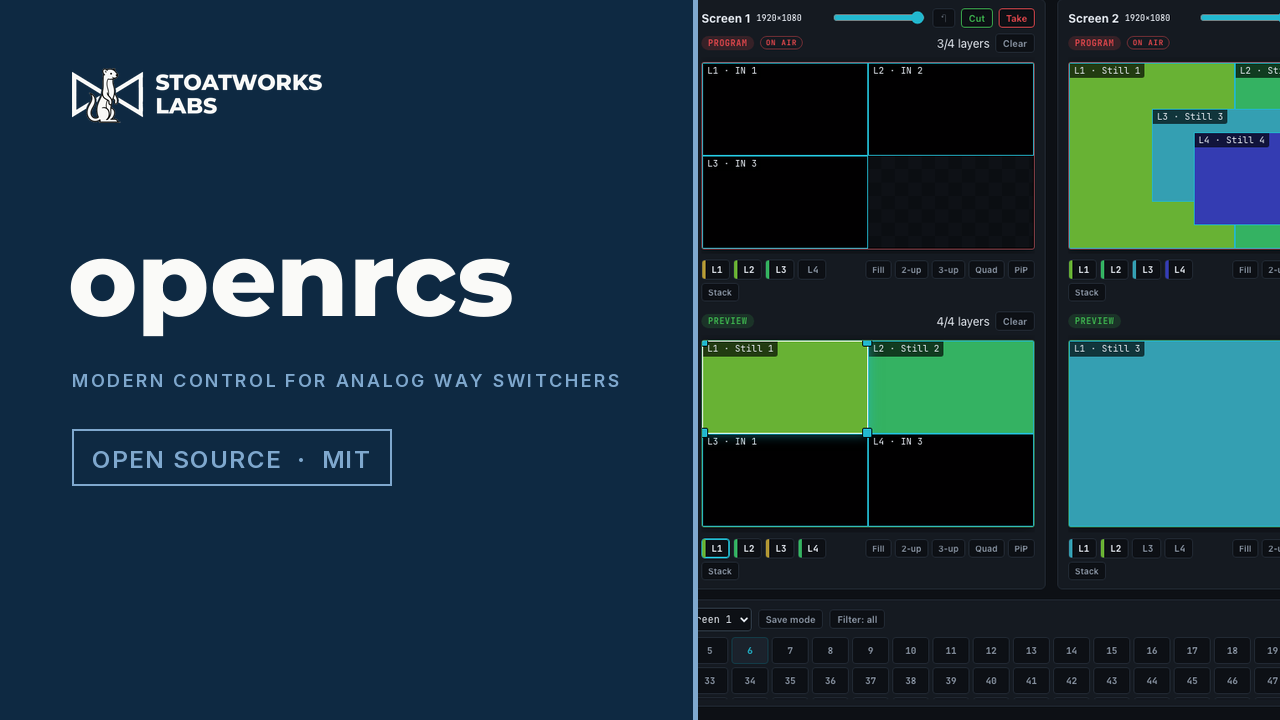
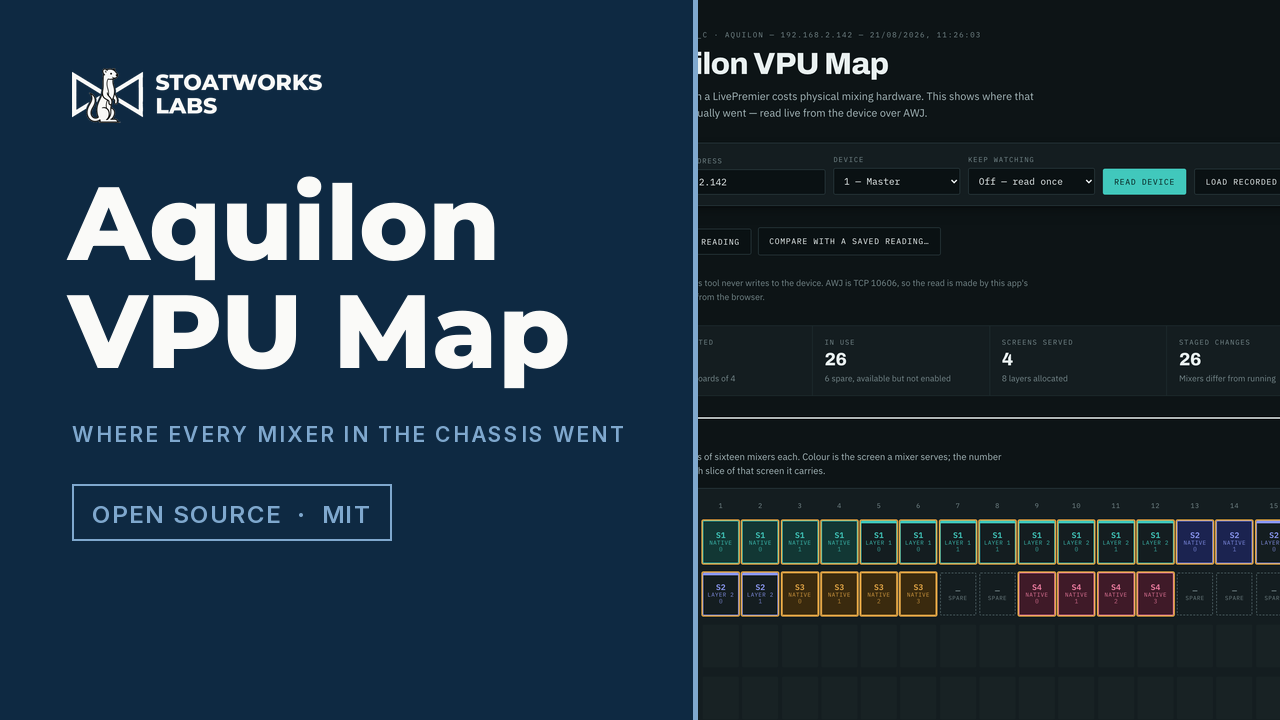
Field testingAdds the panels an Analog Way switcher's own Web RCS does not have — LivePremier, and since 0.6.0 Midra 4K and Alta 4K too: an Edit page that is the Screens / Aux. layout with one row instead of two, so a look can be programmed off both buses and then saved straight into a real memory, a VPU resource map, a lighting-desk command line, a theatre cue stack, a memories list across every bank, a layer-properties panel generated from the device's own catalogue, with names for layers the switcher cannot hold, layer groups driven as one with a send-to menu on every source card, routing through an external Videohub, Lightware or Turtle AV matrix — or a placeholder of one, so a show is built before the rack arrives — a Bitfocus Companion on the same address, its buttons pressable from a cue or a memory recall, Pitch Compensation for mixed-pitch LED walls, OSC input, cues fired from timecode, MIDI control-surface mapping, HyperDecks and Mitti played, cued and recorded with rules that follow the show, a layer lock that holds a layer through a take or takes one alone, an EDID builder on the switcher's own EDID page, a Pixelhue console panel with every control remappable (preview), a DaVinci Resolve Speed Editor as a switcher panel, held by a device host that looks after USB panels for the app, the frame's audio channel matrix as a crosspoint grid, remote access over Tailscale or ZeroTier, live multiviewer pictures in the source thumbnails (preview), a thumbnail relay that sends the source previews as JPEG and refreshes the ones being edited fastest (preview), the whole setup in one file, audio routing from the command line, and arithmetic in numeric fields — type 1080-80 into a layer width and get 1000. Every one of them is a plugin you can switch off, and a plugin of your own can add to them. It runs as a local proxy, so you browse to it instead of to the switcher and the extra panels are simply there, drawn in the vendor's own design language.